

Description
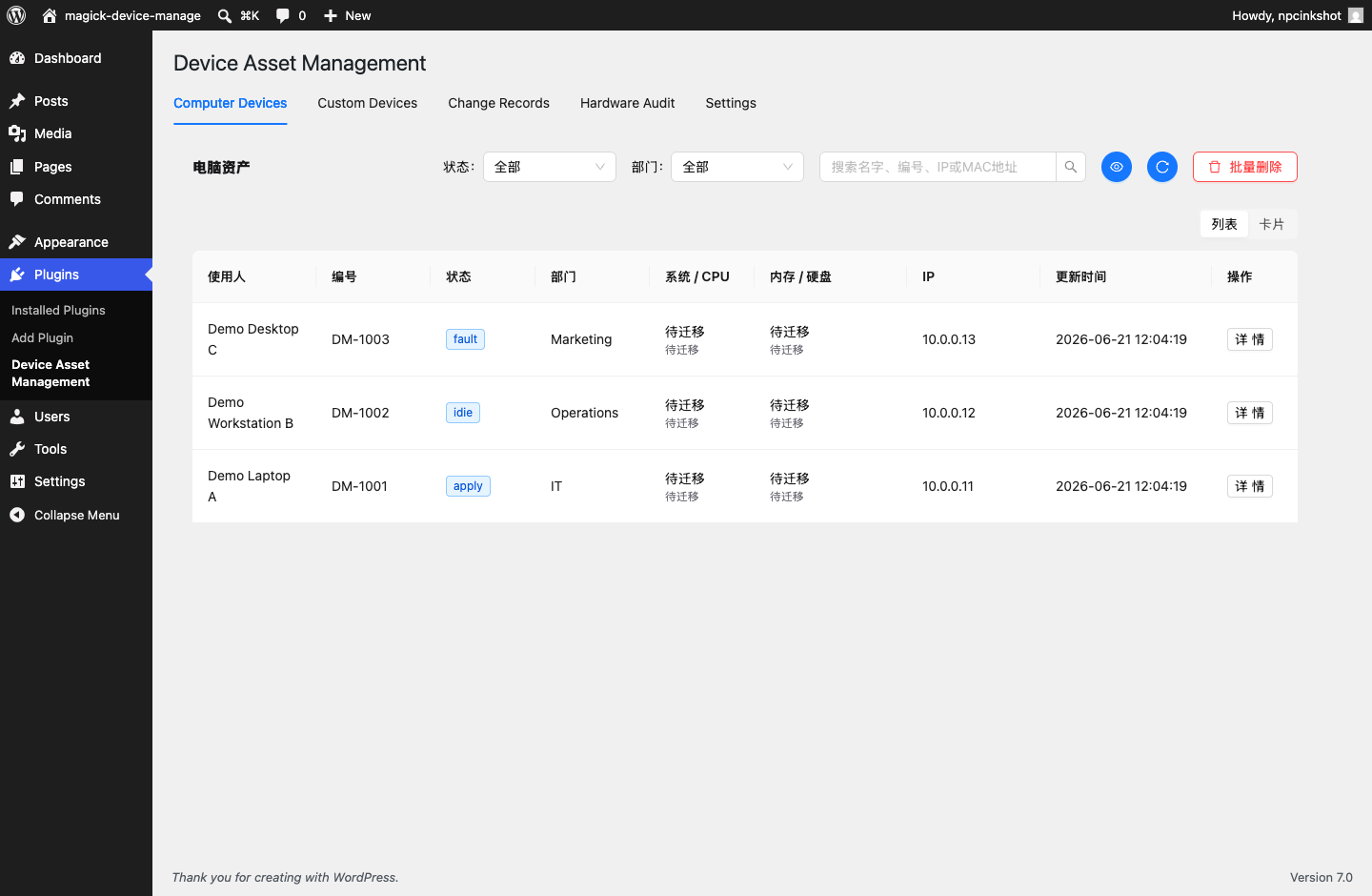
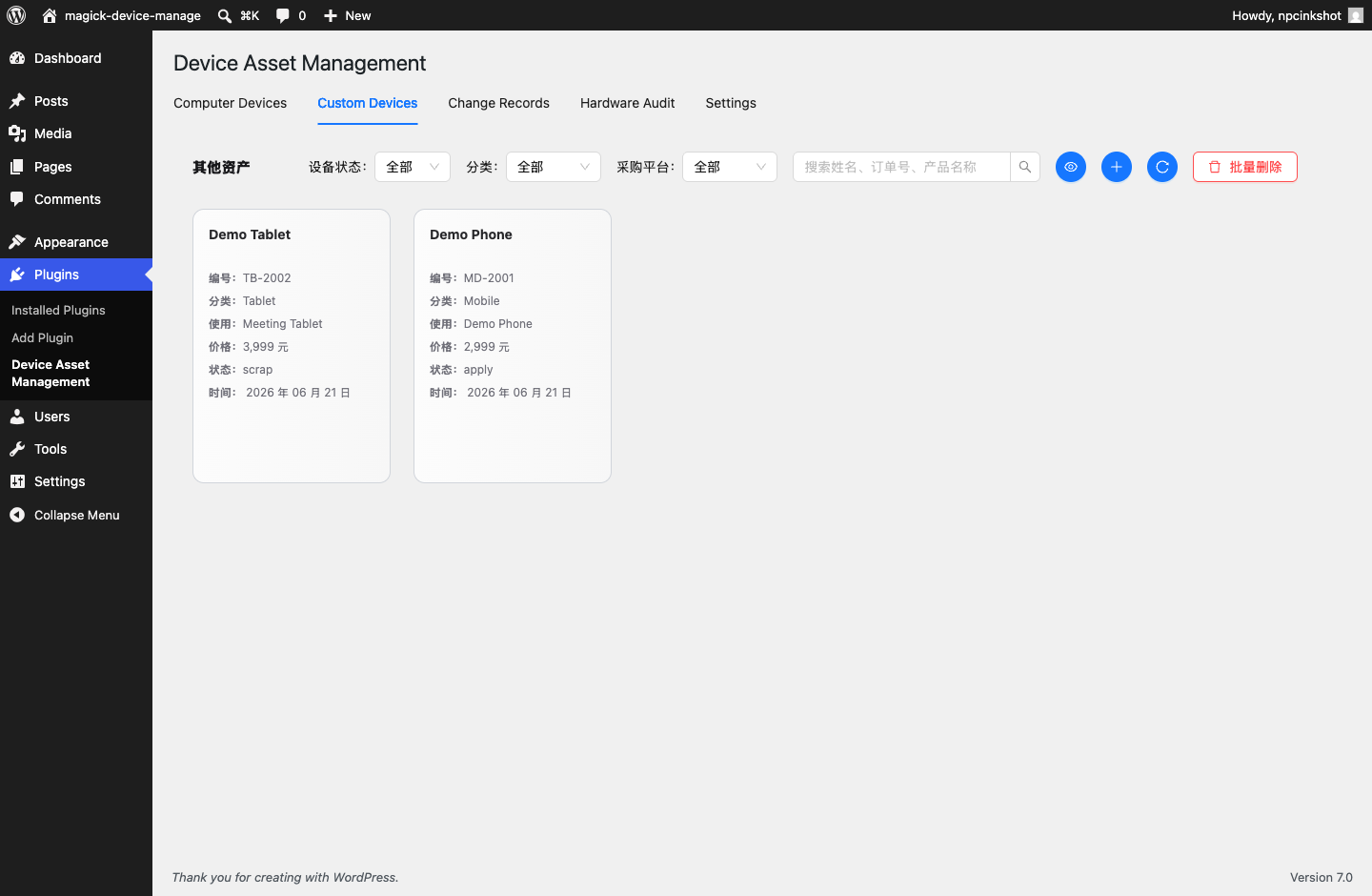
Npcink Device Inventory is a device asset management plugin for small teams that want to keep hardware inventory inside WordPress.
The current admin workspace and desktop client are provided in Simplified Chinese. WordPress plugin metadata remains translatable, but a complete English application interface is not yet included.
The plugin provides:
- A unified asset registry.
- Asset identities for matching repeated client observations to the same physical device.
- Signed REST uploads for optional desktop collection clients.
- Observation snapshots for collected hardware facts.
- Event timelines for asset creation, updates, observations, and notes.
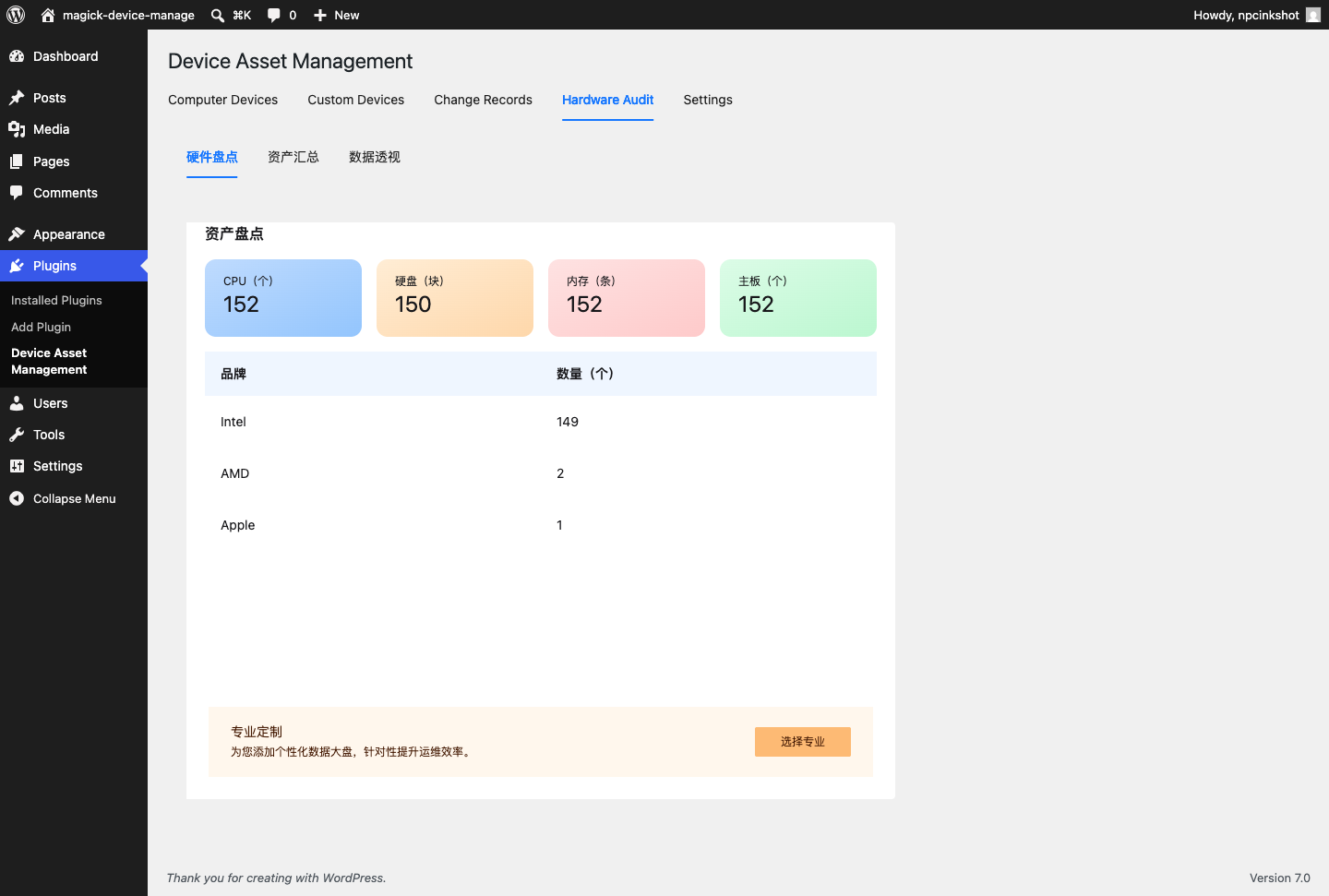
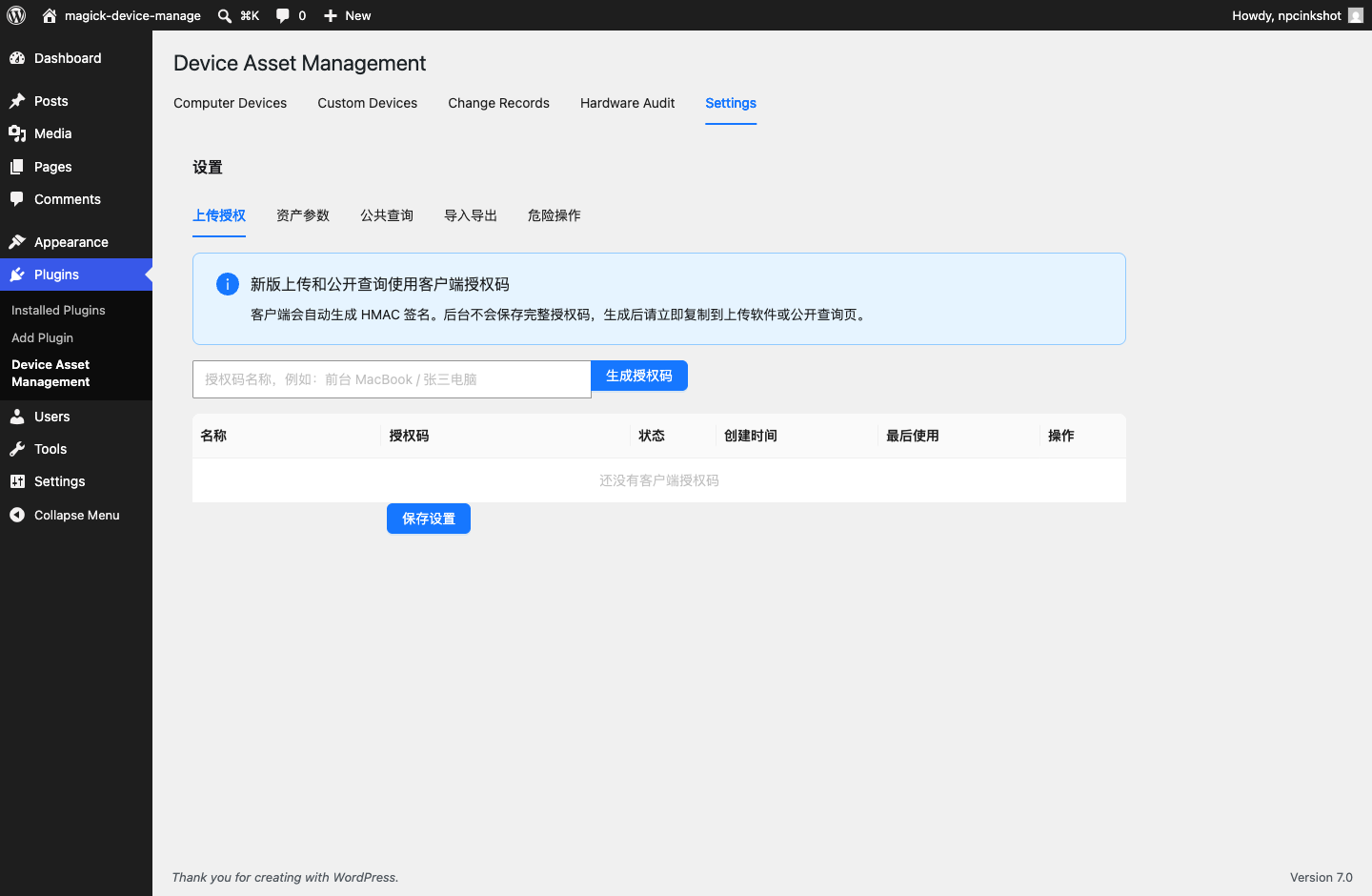
- A bundled React admin workspace for asset review and client token management.
The WordPress plugin does not load JavaScript or CSS from third-party CDNs. Built React assets are bundled locally in the plugin package. The corresponding React/TypeScript source and build configuration are maintained in the project repository under vite-admin.
Privacy
Npcink Device Inventory stores device asset data in the local WordPress database. Depending on how the site owner configures and uses the plugin, stored data may include device names, assigned users or locations, departments, status values, IP addresses, hardware identifiers, hardware details, and event history.
The plugin does not transmit this data to Npcink or any third-party server during normal plugin operation. Site administrators are responsible for informing users and employees about their own device inventory policies.
Screenshots
Installation
- Upload the
npcink-device-inventoryfolder to/wp-content/plugins/. - Activate the plugin from the WordPress Plugins screen.
- Open Plugins > Device Inventory.
- Generate a client authorization token before using the optional desktop uploader.
- Download the matching Windows x64 or macOS Apple Silicon client from the latest GitHub Release, then verify it against SHA256SUMS before importing the generated configuration. Desktop installers are currently intended for trusted internal environments until platform signing is complete.
FAQ
-
Does this plugin send data to a third-party service?
-
No. The WordPress plugin stores device asset data in the site’s own WordPress database and does not contact a third-party service for normal operation.
-
What data is stored?
-
The plugin can store asset names, numbers, ownership fields, departments, statuses, IP and MAC addresses, hardware identifiers, raw collected hardware observations, and event history. The default observation retention value is 0, which means observations are not automatically deleted. Site administrators must define and enforce an appropriate retention policy for their organization.
-
Are device upload endpoints open to anonymous users?
-
No. Device upload endpoints require a client authorization token and HMAC signature. Admin endpoints require a WordPress user with
manage_options. -
What happens on uninstall?
-
The plugin only deletes its custom tables and settings when the stored v3 uninstall option explicitly allows data deletion.
-
Can I restore a JSON backup on another site?
-
Yes. Use the admin JSON backup preview first, review planned creates, updates, skipped rows, conflicts, and warnings, then confirm the import. The restore process merges plugin business data and does not clear existing inventory rows. Client upload secrets and the client upload base URL are not restored from backups and must be configured again on the target site.
-
Where is the source for bundled JavaScript?
-
The project repository includes the built files and the corresponding React/TypeScript source:
- Admin app source:
vite-admin/src - Build configuration:
vite-admin/package.jsonandvite-admin/vite.config.ts
Run
npm install && npm run buildinsidevite-adminto rebuild the bundled assets. - Admin app source:
Reviews
There are no reviews for this plugin.
Contributors & Developers
“Npcink Device Inventory” is open source software. The following people have contributed to this plugin.
Contributors
Translate “Npcink Device Inventory” into your language.
Interested in development?
Browse the code, check out the SVN repository, or subscribe to the development log by RSS.
Changelog
3.2.1
- Normalize desktop release asset filenames before integrity verification and publication.
3.2.0
- Add transactional asset table imports that roll back the full batch on any write failure.
- Add persistent admin error states, scoped saved filters, and guarded settings forms.
- Add desktop download guidance, configuration validation, signed connection checks, and configuration removal.
- Store desktop upload tokens in the macOS Keychain or Windows Credential Manager instead of configuration JSON.
- Add observation retention cleanup while preserving each asset’s latest hardware snapshot.
- Improve desktop upload error guidance, keyboard navigation, focus visibility, and small-window layouts.
3.1.4
- Complete computer device-type editing, filtering, importing, exporting, and batch-update workflows.
- Default legacy and newly collected computer assets to the desktop-computer type.
- Simplify asset cards with date-only update labels while retaining full timestamps in asset details.
- Ignore known virtual remote-display adapters when choosing the displayed primary graphics controller.
- Present straight-line depreciation results as estimated carrying amounts while retaining terminal residual-rate settings.
- Preserve purchase cost while setting second-hand market value and estimated carrying amount to zero for retired assets.
3.1.3
- Separate second-hand market value from accounting residual value while preserving legacy API and backup compatibility.
- Add automatic straight-line financial residual calculation with manual exceptions and configurable depreciation settings.
- Add financial-data completeness filters and a read-only completion list for missing purchase or second-hand prices.
- Add configurable Excel and CSV asset exports with ordered fields, presets, status colors, and a WordPress-aware preview.
3.1.2
- Return an explicit 409 duplicate_number response when an active or archived asset already owns an asset number.
- Display collected battery health, physical disk details, monitor identity, and real network route information in the admin asset detail view.
3.1.1
- Reject legacy v1-to-v2 identity migrations when the target asset’s latest hardware evidence has no identity in common with the incoming observation.
3.1.0
- Add server-recomputed hardware identity v2 using independent system UUID, guarded motherboard serial, and permanent PCI MAC signals.
- Exclude CPU ProcessorId, USB adapters, current-only MAC addresses, disks, memory, and graphics from automatic identity matching.
- Attach v2 identities to matching v1 assets on their first upgraded upload to avoid duplicate inventory records.
- Add read-only Windows processor and physical network identity collection plus real-device pilot regression coverage.
3.0.1
- Rebuild each asset’s latest observation pointer after JSON restore, including repeat imports that repair a prior incomplete pointer.
- Reject backups that assign the same current device identity to more than one asset.
3.0.0
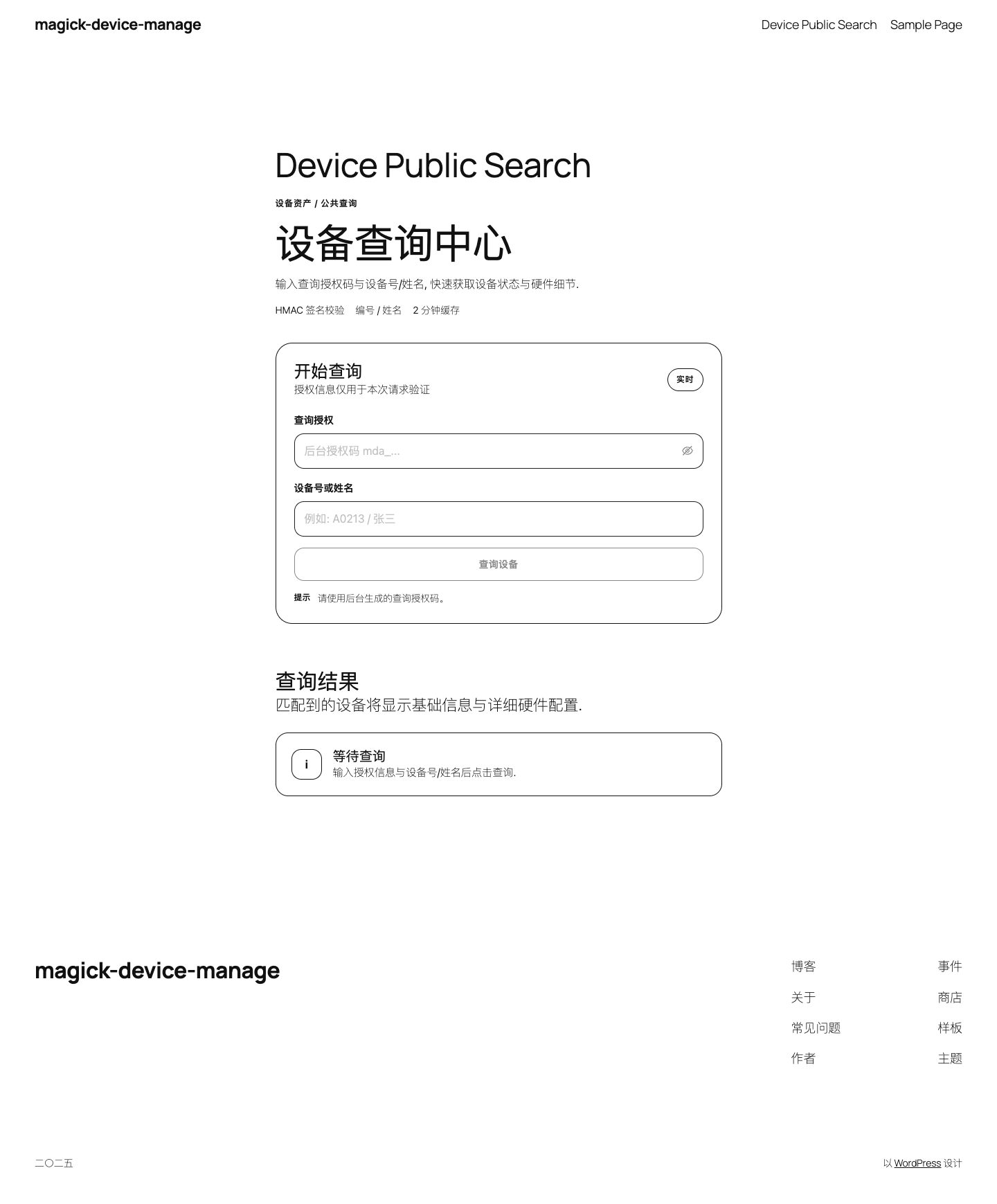
- Remove the public asset query page, shortcode, REST route, and related access-code settings.
- Make device identity ownership atomic and roll back partial observation ingestion.
- Move complete JSON backup export to one server-side snapshot with matching restore limits.
- Add transactional batch asset writes, bounded uploads, simplified read-only analysis, and explicit schema migrations.
- Remove reusable token-secret and desktop build-preset surfaces; enable desktop CSP and restricted system open commands.
- Add regression fixtures, Rust security audits, and stricter local/CI release gates.
2.8.0
- Keep the undeletable Unassigned department as the fallback for new and restored assets.
- Persist handled and reopened analysis issue states through asset events.
- Add selected-asset department and owner assignment workflows with auditable change records.
- Report missing owners only for active assets so idle inventory is not treated as incomplete.
- Add direct valuation-data editing and focused regression coverage for the analysis workspace.
2.7.9
- Improve the admin analysis workspace with clearer department controls and denser review surfaces.
- Add WordPress.org update-index repair documentation for the v2.7.8 package transition.
- Refresh project documentation and submission materials for the current release workflow.
2.7.8
- Require an access code before public asset query can be enabled and add rate limiting to the public query endpoint.
- Reduce high-cost asset list JSON and observation searches for ordinary keywords while keeping IP, MAC, and serial-style extended searches.
- Remove the duplicate in-page desktop update panel and keep update checks in the native menu / top settings surface.
- Add release regression fixtures for public query hardening and asset search performance guardrails.
2.7.7
- Add desktop update manifest validation to the tagged release workflow.
- Document the release candidate verification flow for plugin and desktop preview artifacts.
- Bump the desktop uploader to 0.1.4 for the next signed updater validation path.
2.7.6
- Bump the desktop uploader to 0.1.3 to verify the signed GitHub Release updater flow from 0.1.2.
2.7.5
- Add GitHub Release powered desktop uploader update checks and signed Tauri updater metadata.
- Fix uploaded observation timestamps so admin update times display in the local timezone.
- Hide archived assets from default asset lists while preserving archived data for exports, backups, and explicit archived-status filters.
2.7.4
- Default the admin computer asset list to latest observed uploads and show upload update time consistently.
- Improve first-screen admin loading, detail modal rendering, search highlighting, and macOS device visuals.
- Localize the plugin list settings link and reduce desktop uploader success dialog details to asset number and device.
2.7.3
- Improve the admin asset inventory workspace with clearer hardware inventory and value analysis views.
- Group memory inventory by capacity and disk inventory by disk type and capacity.
- Improve device upload matching and client feedback for repeated uploads.
2.7.2
- Add short-lived object caching around custom inventory table reads.
- Replace dynamic asset list SQL fragments with fixed prepared query conditions.
- Scope Plugin Check database query annotations to the relevant custom table reads and writes.
2.7.1
- Keep release packages free of macOS metadata files.
- Keep the desktop uploader package name in English for safer installer paths.
2.7.0
- Store JSON-encoded custom table payloads as LONGTEXT for broader MySQL and MariaDB compatibility.
- Updated active upload documentation to use the signed v3 device observations endpoint.
2.6.1083
- Rebuilt the plugin around the v3 asset registry.
- Replaced legacy four-table admin screens with the v3 asset workspace.
- Moved desktop uploads to signed v3 device observations.