

Description
„VENTI Multi Location Marker for Elementor“ adds a native widget to the Elementor editor called VENTI Multi Location Marker.
Features:
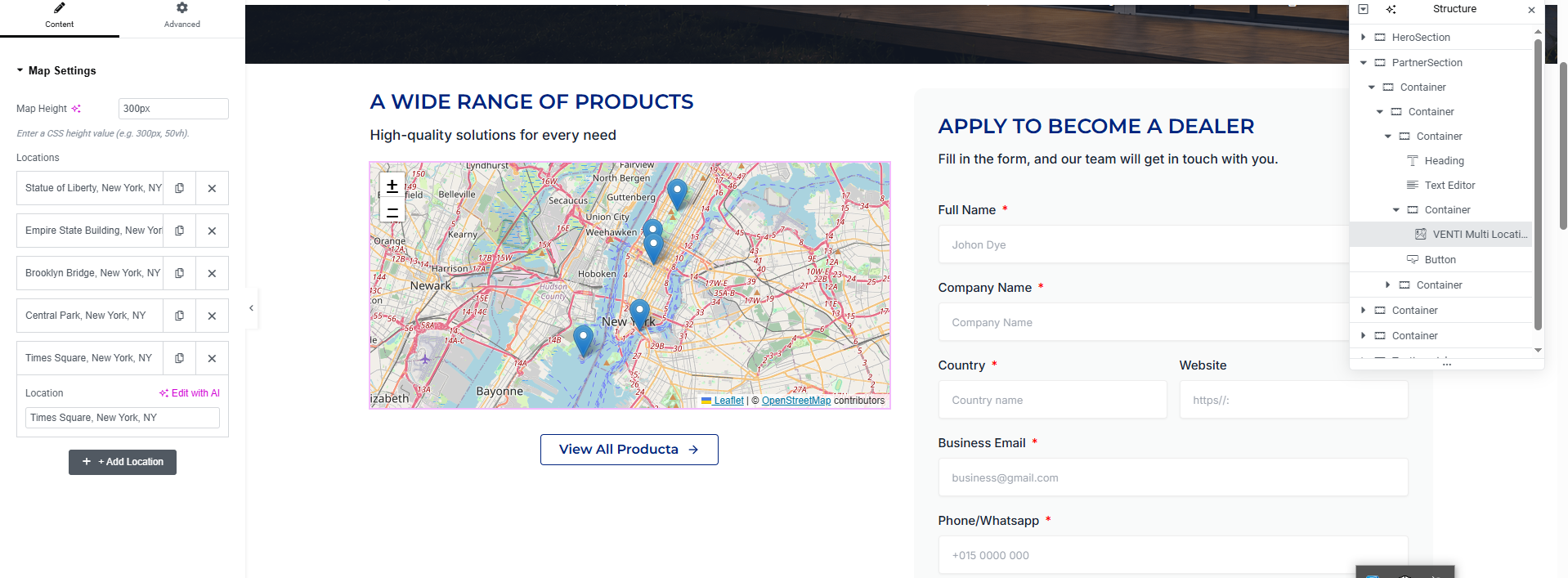
- Map Height control (any CSS length, e.g. 300px, 50vh)
- Add as many location fields as you need via a „+ Add Location“ repeater
- Accepts city, country, or full street address
- Geocoding via the free OpenStreetMap Nominatim API (no key required)
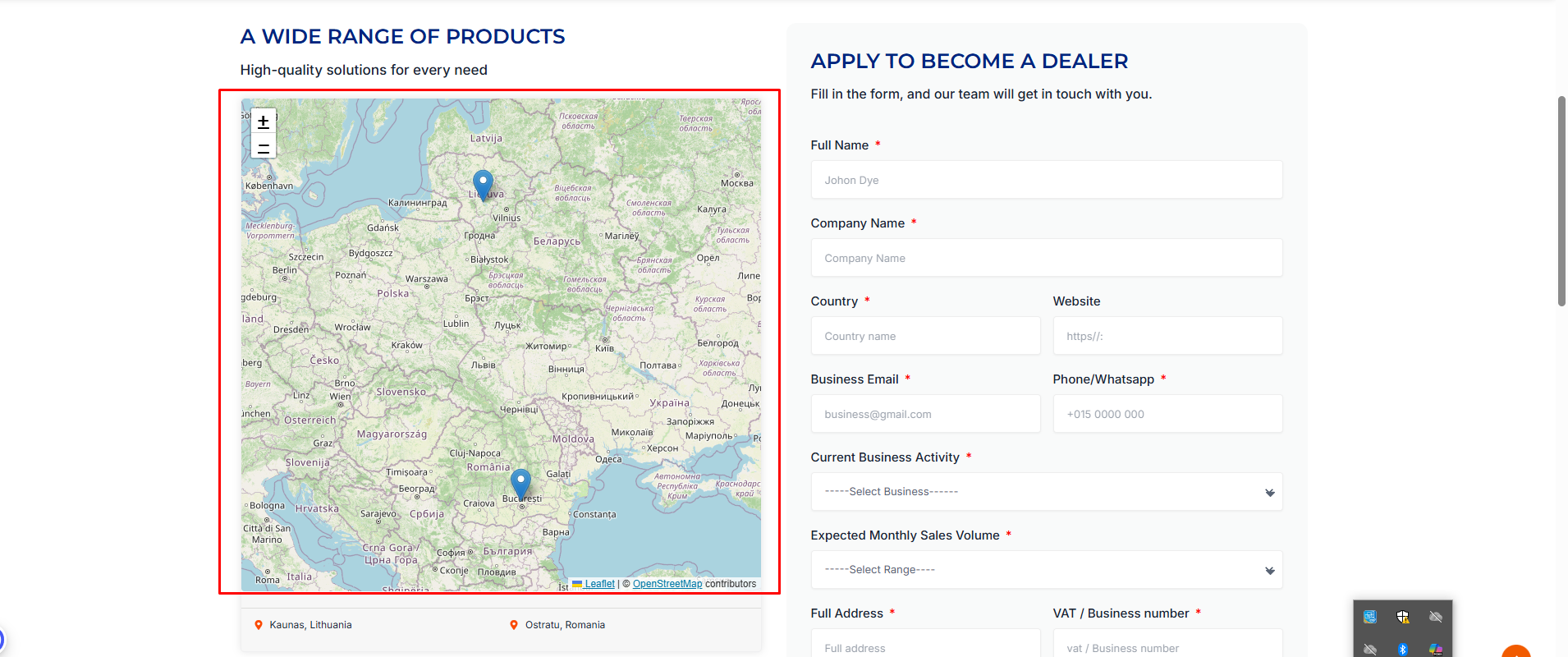
- Markers placed automatically with auto-fit map bounds so every location is visible
- Clicking any marker opens that exact location in Google Maps
- Live preview inside the Elementor editor — no page refresh needed
- Fully responsive on desktop, tablet, and mobile
- Leaflet + map assets are only loaded on pages where the widget is used
Notes on the Nominatim API
This plugin geocodes addresses client-side using the public Nominatim API
(https://nominatim.openstreetmap.org), which is free and requires no API
key. Requests are sent one at a time with a short delay between them to
respect Nominatim’s fair-use / rate-limit policy. For very high-traffic
sites, consider self-hosting a Nominatim instance or using a caching layer.
Screenshots
Installation
- Upload the
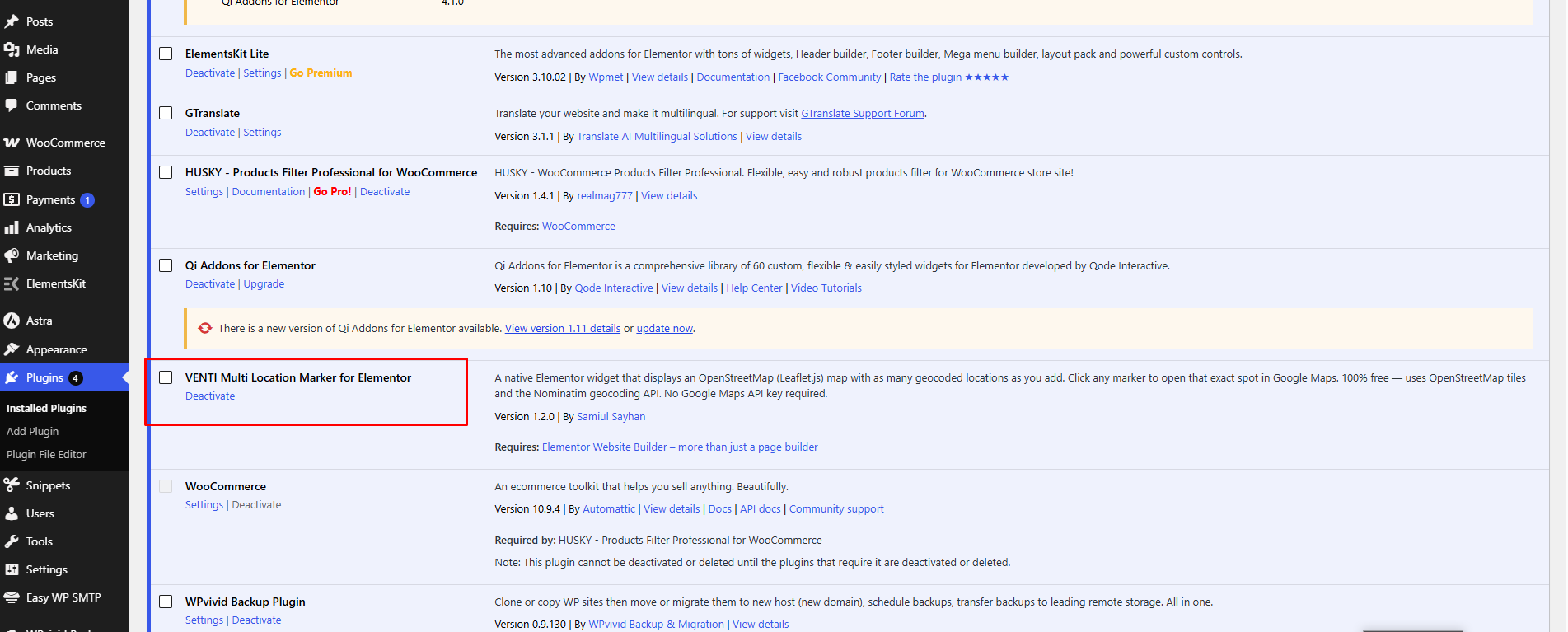
venti-multi-location-marker-for-elementorfolder to/wp-content/plugins/, or install the ZIP directly via Plugins > Add New > Upload Plugin. - Activate the plugin through the ‘Plugins’ menu in WordPress.
- Make sure Elementor (3.5+) is installed and active.
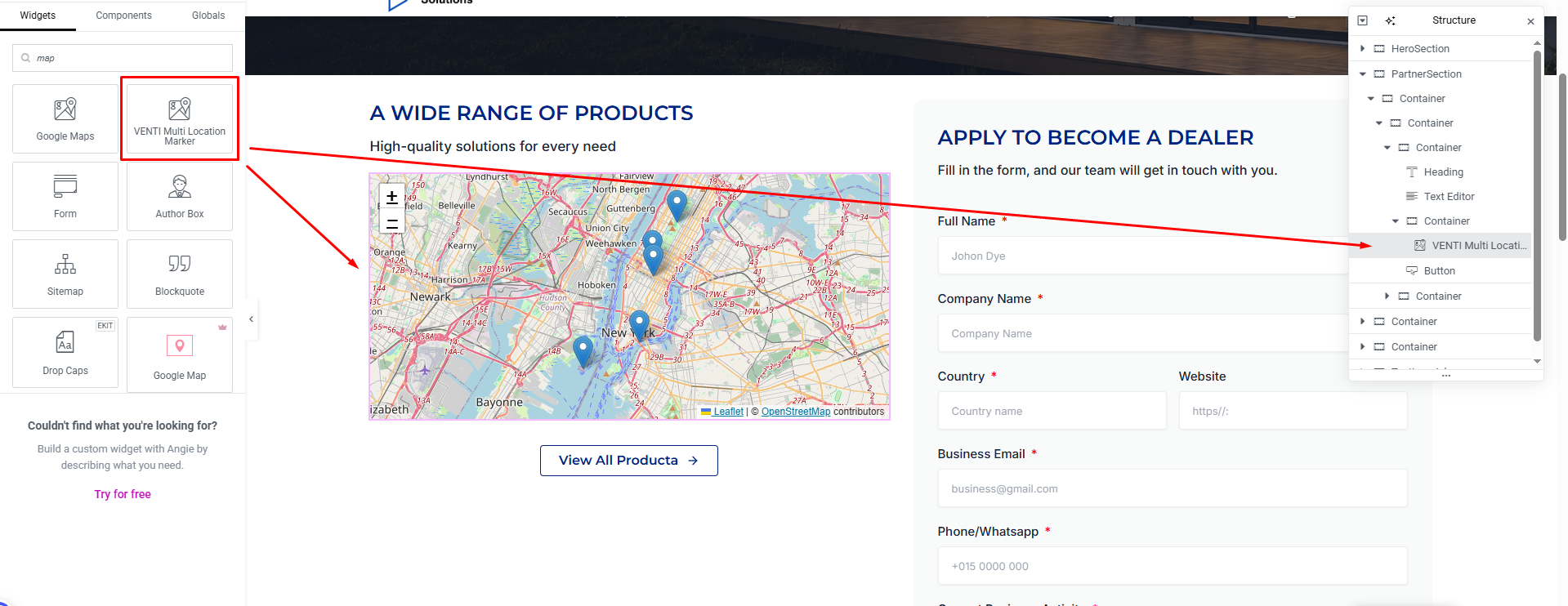
- Edit any page with Elementor, search for „VENTI Multi Location Marker“ in the widget panel, and drag it onto your page.
- Enter one or more locations (e.g. „Kaunas, Lithuania“), click „+ Add Location“ to add more, and set your desired map height.
FAQ
-
Do I need a Google Maps API key?
-
No. This plugin uses OpenStreetMap tiles and the free Nominatim geocoding API — no API key, no billing account, and no usage cap tied to a paid service.
-
Why does it take a few seconds for markers to appear after I add several locations?
-
Nominatim’s free geocoding service has a fair-use limit of about one request per second. Locations are geocoded one at a time with a short delay between each, so a page with many new locations will take a few seconds to fully populate on first load. Once an address has been geocoded, the result is cached for the rest of that browsing session so it isn’t looked up again.
-
What happens when I click a marker?
-
Each marker links to the exact coordinates it represents on Google Maps, opening in a new tab.
Reviews
There are no reviews for this plugin.
Contributors & Developers
“VENTI Multi Location Marker for Elementor” is open source software. The following people have contributed to this plugin.
Contributors
Translate “VENTI Multi Location Marker for Elementor” into your language.
Interested in development?
Browse the code, check out the SVN repository, or subscribe to the development log by RSS.
Changelog
1.2.0
- Renamed the plugin (formerly „Simple OpenStreetMap Widget for Elementor“) to comply with WordPress.org naming/trademark guidelines.
- Leaflet.js and Leaflet.css are now bundled locally with the plugin instead of being loaded from a remote CDN.
- Added a „Requires Plugins: elementor“ header.
1.1.0
- Removed the previous 5-location limit; the repeater now supports up to 50 locations.
- Added click-to-open-in-Google-Maps behavior on every marker.
- Fixed a map sizing issue in the Elementor editor that could prevent markers/tiles from rendering.
- Added debouncing and geocoding result caching to avoid Nominatim rate-limit issues while editing.
1.0.0
- Initial release.