

Description
Gestero Chat connects your WordPress website to the hosted Gestero Chat service. Visitors can contact your team through a chat widget, and you manage conversations in the Gestero dashboard.
A Gestero account with access to the Chat module is required. The plugin is free to download; access to the hosted service may require a paid subscription. Plan limits and optional Gestor AI credits are managed by Gestero. Installing the plugin does not include a service subscription.
Features:
- Connect using the embed code or public widget URL from your Gestero account.
- Check the widget configuration and website permission before saving a connection.
- Load the widget asynchronously on visitor-facing pages.
- Pause the widget on this site, verify and resume it, or remove the connection.
- Choose the bottom-right or bottom-left corner and a bottom offset from 0 to 500 pixels.
- Connect without storing your Gestero password or a private API key in WordPress.
- Add suggested service disclosure text to the WordPress privacy policy guide.
Chat messages, team replies, the welcome message, appearance and optional Gestor responses are managed in Gestero. This version does not synchronize products or orders and does not include a WooCommerce integration. The plugin settings interface is currently in Turkish; strings use the WordPress translation system.
Requirements:
- WordPress 6.3 or later and PHP 7.4 or later.
- An HTTPS WordPress site and a theme that runs the standard WordPress script and footer hooks.
- An active Gestero Chat widget and permission for your website origin in the Gestero dashboard.
Supported service hosts are https://gestero.com and https://panel.gestero.com. Custom service hosts are not supported in this version.
External services
This plugin integrates with the Gestero Chat service at https://gestero.com. The hosted service provides the chat interface, conversation storage, team inbox and optional Gestor responses.
When the service is contacted
Installing or activating this plugin does not contact Gestero. When an administrator explicitly connects or resumes the widget, WordPress sends a configuration request to the selected Gestero service host at /api/public/web-chat/{public-widget-key}/config. The site’s origin is sent in the Origin header to verify website permission. The service also receives the server’s network connection information. This request does not send WordPress user lists, posts, orders or the Gestero account password.
When the widget is enabled, a local JavaScript file bundled with this plugin loads the hosted chat iframe at /web-chat-widget/{public-widget-key}. The iframe and chat API are part of the Gestero service. They receive the visitor’s network connection information, including IP address and browser request information. Messages and contact details voluntarily submitted by the visitor are processed and stored by Gestero. The local bridge sends chat requests directly from the visitor’s browser to /api/public/web-chat/{public-widget-key}/... so Gestero can validate the website origin.
Local storage and saved settings
The visitor’s browser stores the chat session ID and session token in localStorage to resume the conversation. WordPress stores only the public widget connection, enabled state, verified site origin and last successful verification time. Administrator notices use user-specific transients that expire after 60 seconds. The plugin does not store chat messages in the WordPress database.
Consent and policies
The administrator explicitly authorizes the connection by selecting the connect or resume action. This does not replace any visitor consent process required for the website. The plugin does not provide a visitor consent management system. Site administrators should review their privacy notice and any applicable consent configuration before enabling the widget. Suggested privacy policy text is available in WordPress.
Screenshots
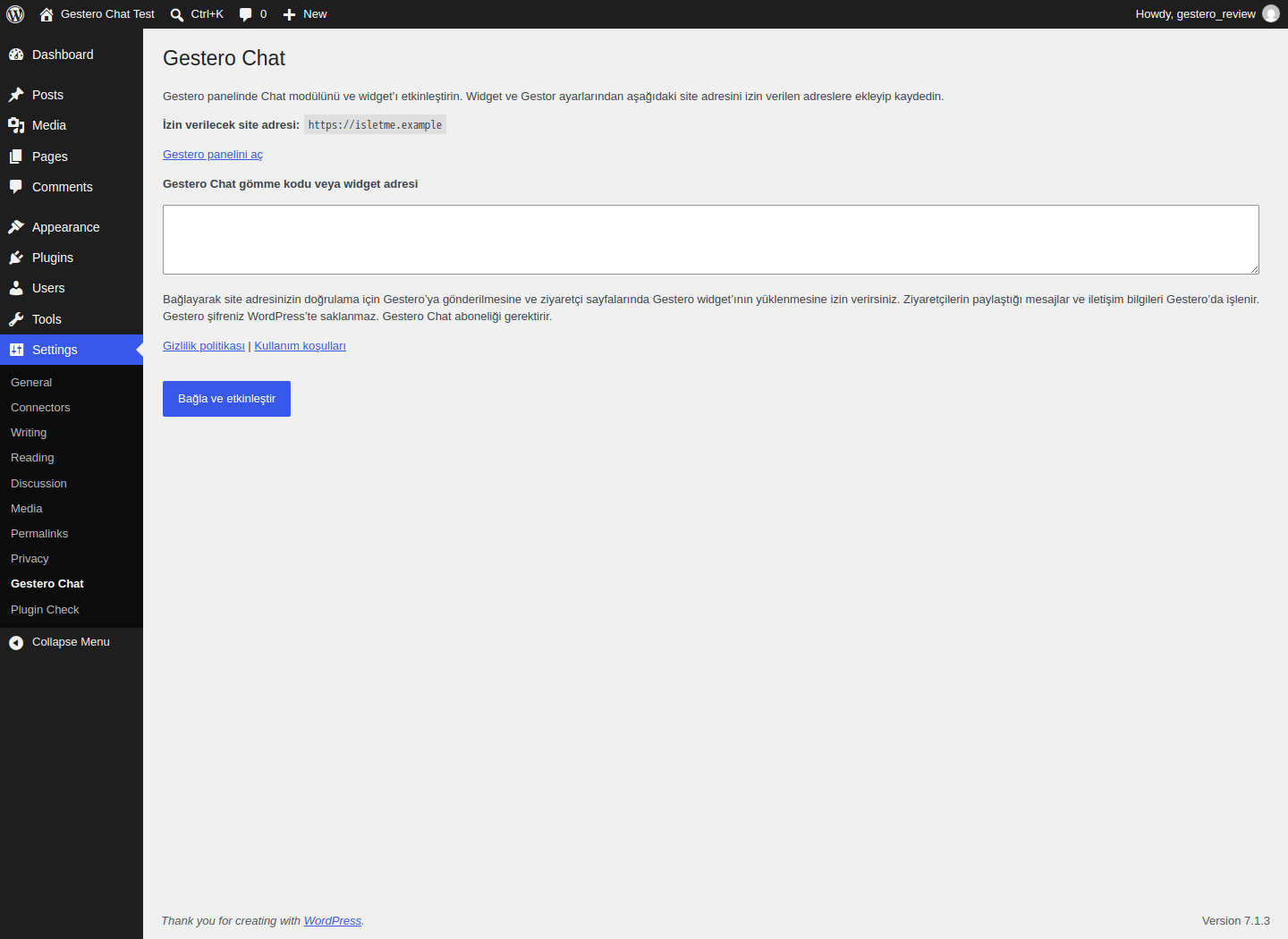
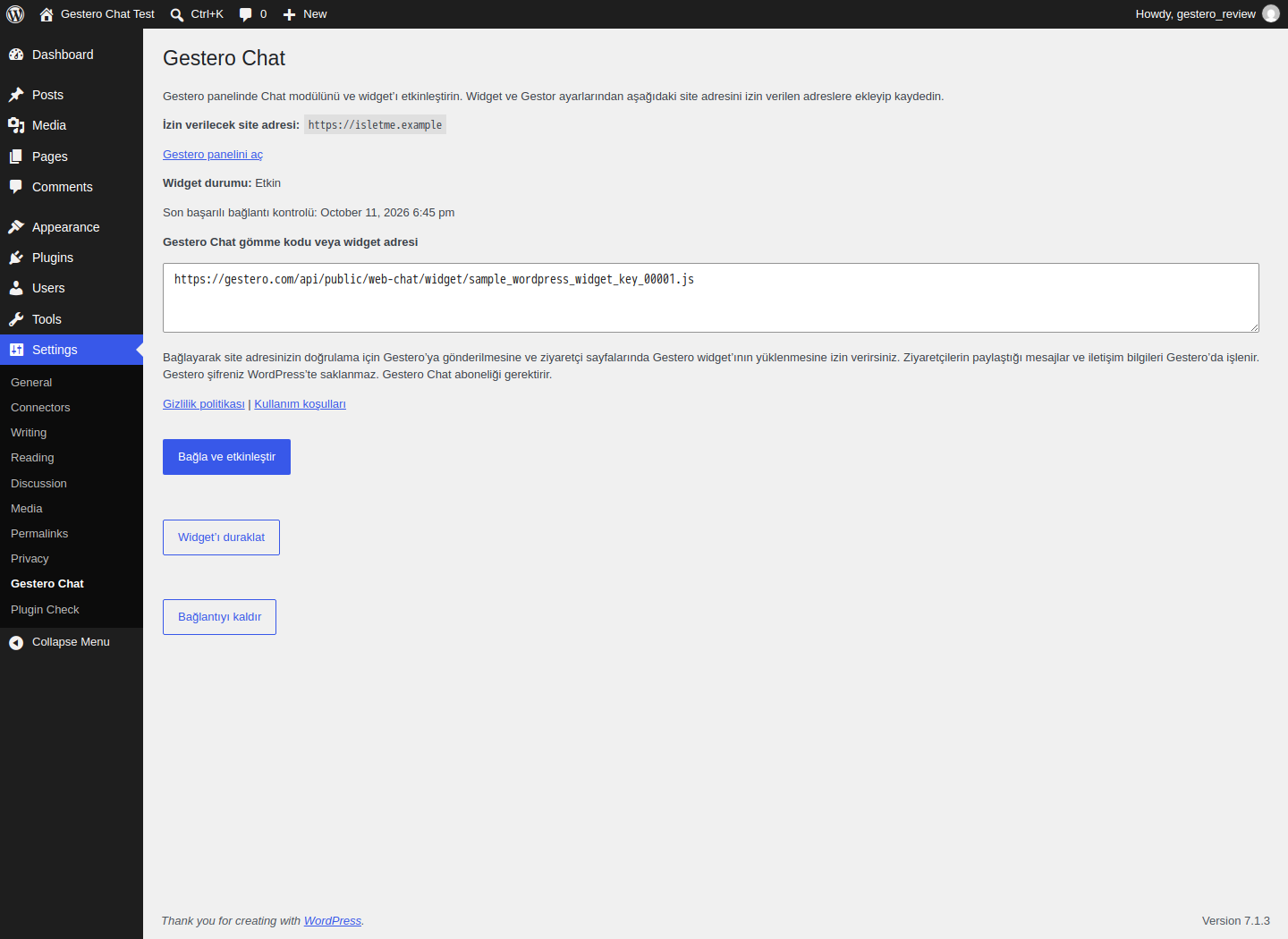
Installation
- Upload the plugin ZIP through Plugins > Add New > Upload Plugin, or upload the
gestero-chatfolder to/wp-content/plugins/. - Activate the plugin and open Settings > Gestero Chat (Ayarlar > Gestero Chat in Turkish).
- Open your Gestero account and enable the Chat module and widget.
- Add the HTTPS site origin shown in the plugin settings to the allowed website addresses in Gestero Chat > Widget and Gestor settings, and save the changes.
- Copy the embed code from Gestero and paste it into the plugin settings. You may also paste the script’s public widget URL.
- Select „Bağla ve etkinleştir“ (Connect and enable). The widget is enabled only after the configuration and website permission checks succeed.
- Open a visitor-facing page to check the widget. Manage conversations in the Gestero dashboard.
- Adjust the corner and bottom offset in the plugin’s Widget position form and save. Clear page caches after changing placement. Remove any earlier custom CSS that overrides the widget position.
FAQ
-
Is the plugin a standalone chat system?
-
No. It connects WordPress to the hosted Gestero Chat service. Conversations are managed in Gestero, not in a separate WordPress inbox.
-
Do I need a subscription?
-
Your Gestero account must have access to the Chat module and an active widget. Service subscriptions, plan limits and optional Gestor AI credits are shown in Gestero. Downloading the WordPress plugin does not grant a service subscription.
-
Do I enter my Gestero password in WordPress?
-
No. The connection uses the public widget code from your dashboard. This version does not provide an OAuth sign-in flow. Website permission must be configured in Gestero separately.
-
Are www and non-www addresses separate permissions?
-
Yes. Add each visitor-facing origin to the allowed addresses in Gestero. Protocols and subdomains matter. The plugin shows the origin used for its connection verification.
-
Why is the widget missing?
-
Check the Chat module, active widget, website permissions, HTTPS site address and theme footer hook. Clear page caches after changing the connection. If your site has a Content Security Policy or consent manager, review script-src for the local bridge and frame-src/connect-src permissions for the selected Gestero service origin. The widget is not loaded in WordPress admin, feeds or WordPress embed pages.
-
What happens when I rotate the widget key or change the site address?
-
Save the new embed code and authorize the new site origin in Gestero. If the WordPress site address changes, the plugin stops loading the widget until the new origin is verified.
-
Does disconnecting or uninstalling delete my conversations?
-
No. It removes the local WordPress connection. Your Gestero account and conversations remain in Gestero. Uninstalling deletes the plugin’s connection options on the site, including multisite site options. Administrator notices expire automatically. Existing visitor localStorage sessions are not erased by uninstalling WordPress code. Clear page caches after pausing or disconnecting; already-open tabs may show the widget until reloaded.
-
Is there a live connection health monitor?
-
No. Verification runs when an administrator connects or resumes the widget. The settings screen shows the time of the last successful check. Visitor page rendering does not make an additional server-side verification request.
-
Is WooCommerce data sent to Gestero?
-
No. This release only connects the chat widget. It does not send products, orders or WordPress user lists.
Reviews
There are no reviews for this plugin.
Contributors & Developers
“Gestero Chat” is open source software. The following people have contributed to this plugin.
Contributors
Translate “Gestero Chat” into your language.
Interested in development?
Browse the code, check out the SVN repository, or subscribe to the development log by RSS.
Changelog
0.1.0
- Initial public release with connection verification, widget loading, pause/resume and disconnect actions.
- Bundle the widget bridge locally and provide external service and privacy disclosures.
- Support desktop/mobile placement, offsets, icon-only mobile launchers and hosted chat animations.
- Allow hosted chat audio notifications and recover transparently during service maintenance.
- Respect page visibility rules from Gestero, including navigation without a page reload.