

Description
5Names LLMs.txt Manager lets you manage the llms.txt file for your WordPress site directly from the dashboard. A product by 5Names.
llms.txt is a proposed standard (see [llmstxt.org](https://llmstxt.org)) for a Markdown file in your site's root that gives AI language models (like ChatGPT, Claude, or Perplexity) a concise, structured overview of your site: who you are, which pages matter, and where to find more information — similar to what `robots.txt` does for search engine crawlers, but written for and readable by an LLM.
How does it work?
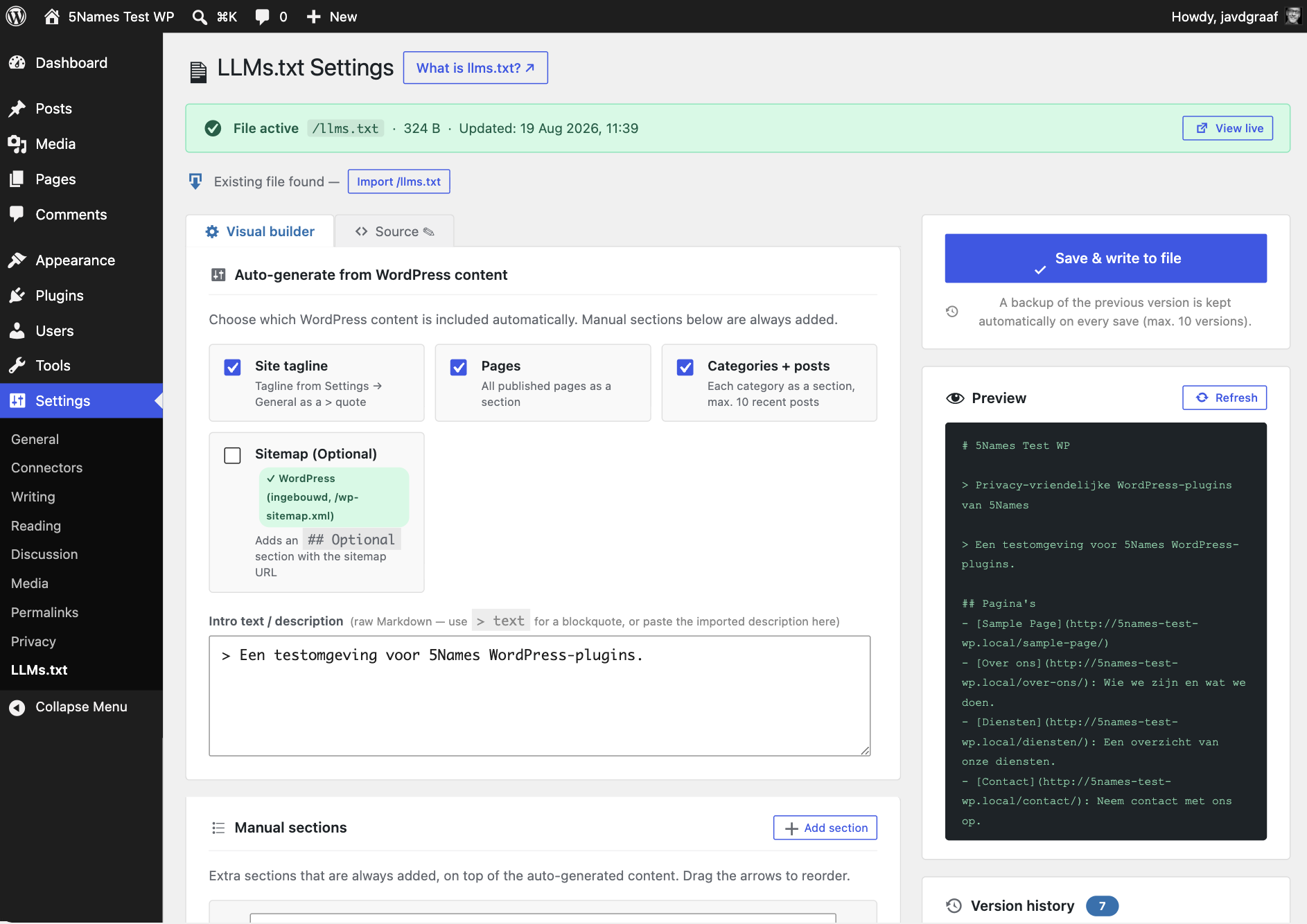
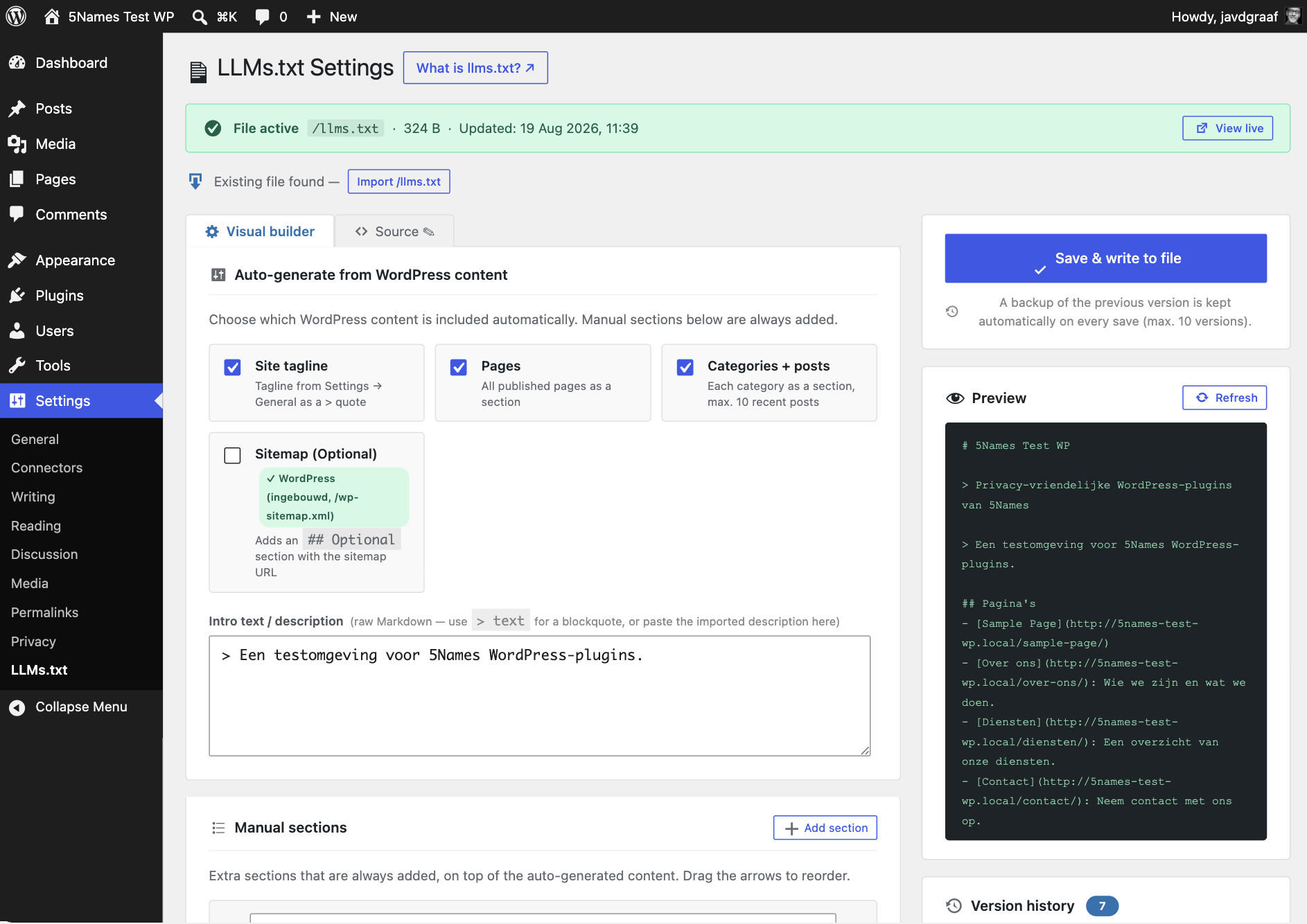
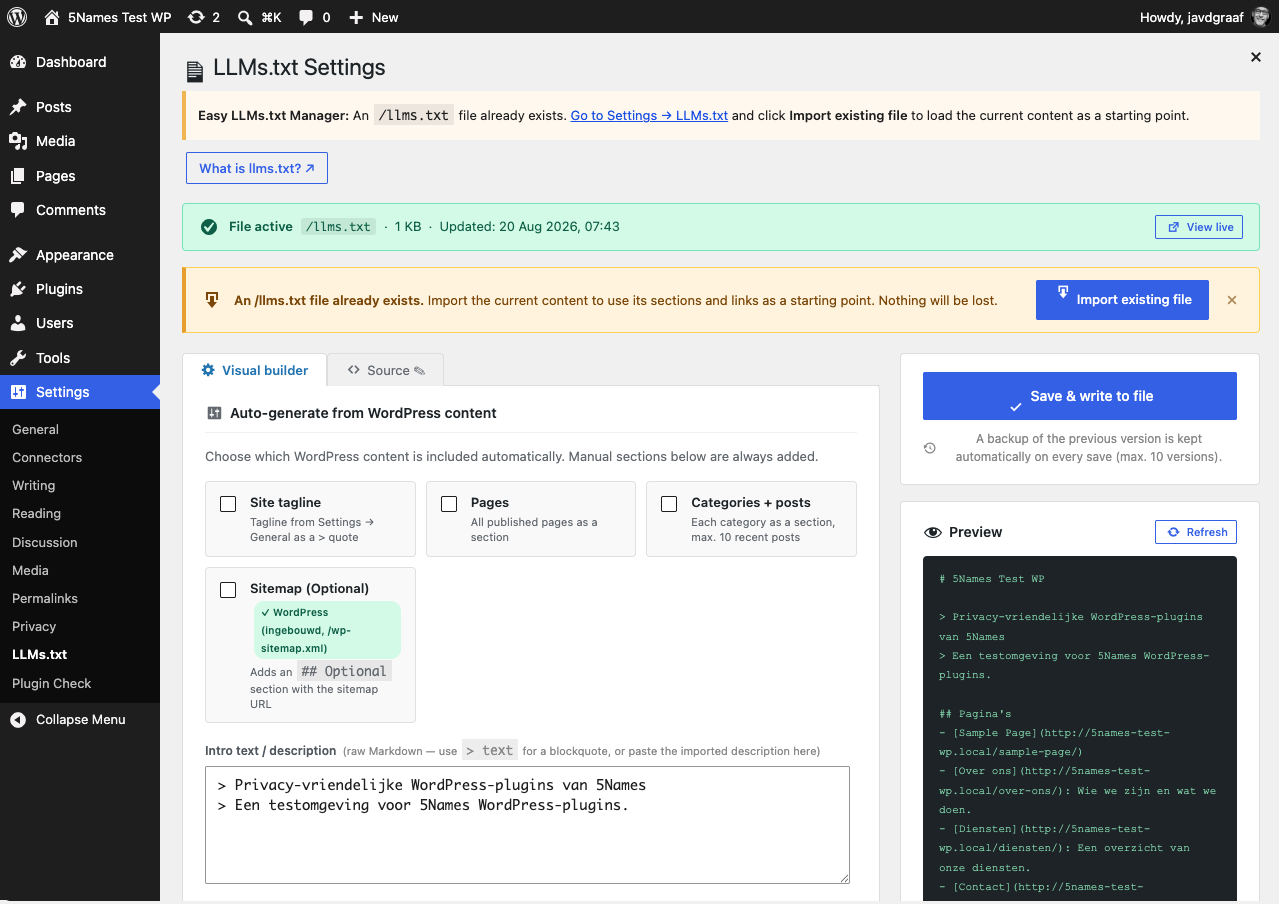
The plugin generates /llms.txt from two sources, each of which you can toggle independently:
- Automatically from your WordPress content — choose which parts are included automatically: your site tagline as an intro quote, published pages, categories with their recent posts, and any custom post type your site uses.
- Manual sections — your own
## Sectionblocks with links and short descriptions, for anything that can’t be generated automatically.
On save, the plugin combines both sources into a single Markdown file and writes it via WP_Filesystem (with a file_put_contents fallback) to llms.txt in your site’s root. A live preview always shows you the result before you save.
Importing an existing llms.txt
Already have an llms.txt file (e.g. created by hand)? On activation you’ll get a notice, and Import existing file reads the file and automatically converts it into sections, links, and a description (including multi-line blockquotes) — so nothing gets lost and you can carry on with the visual editor right away.
Source editor
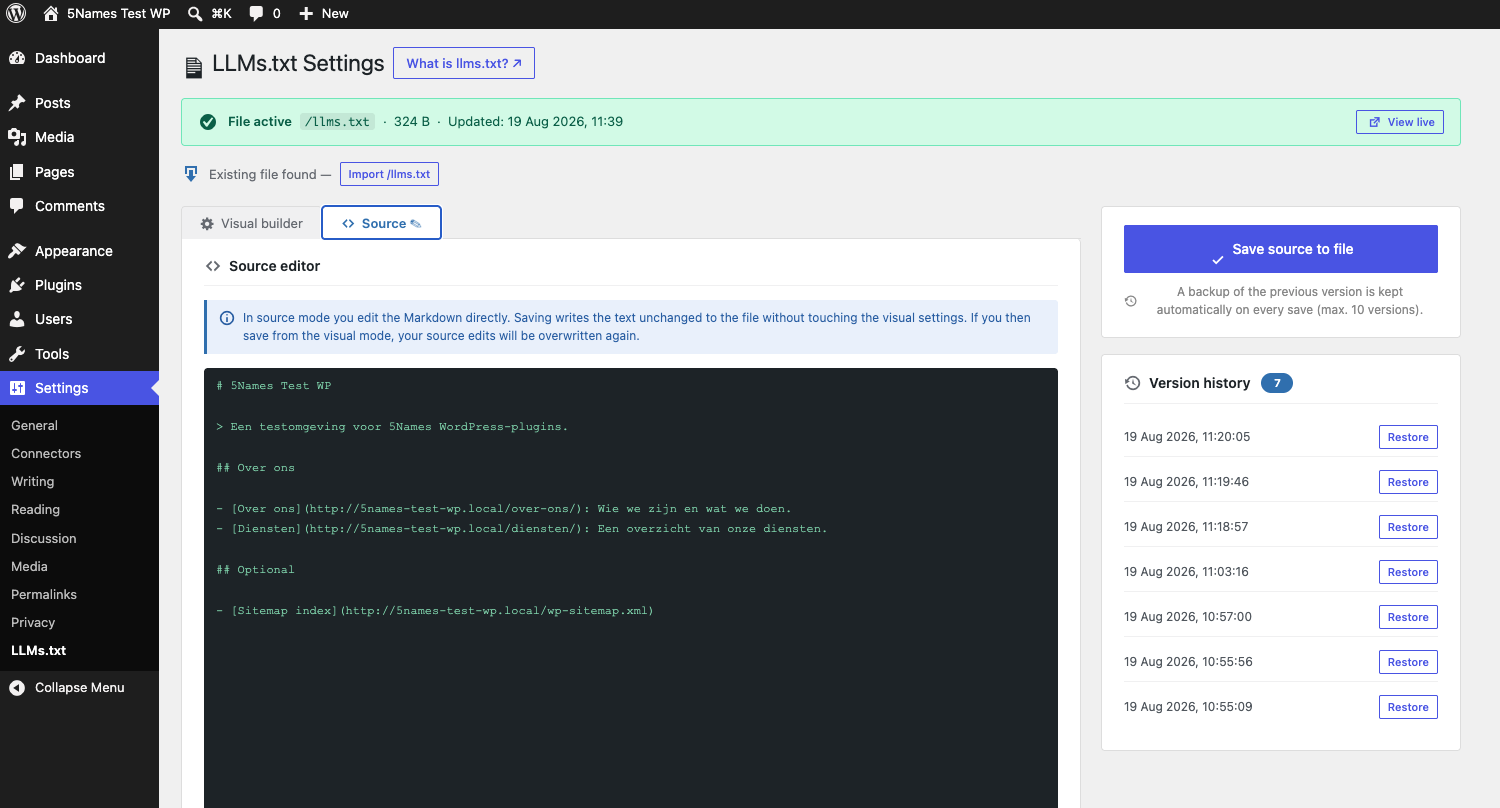
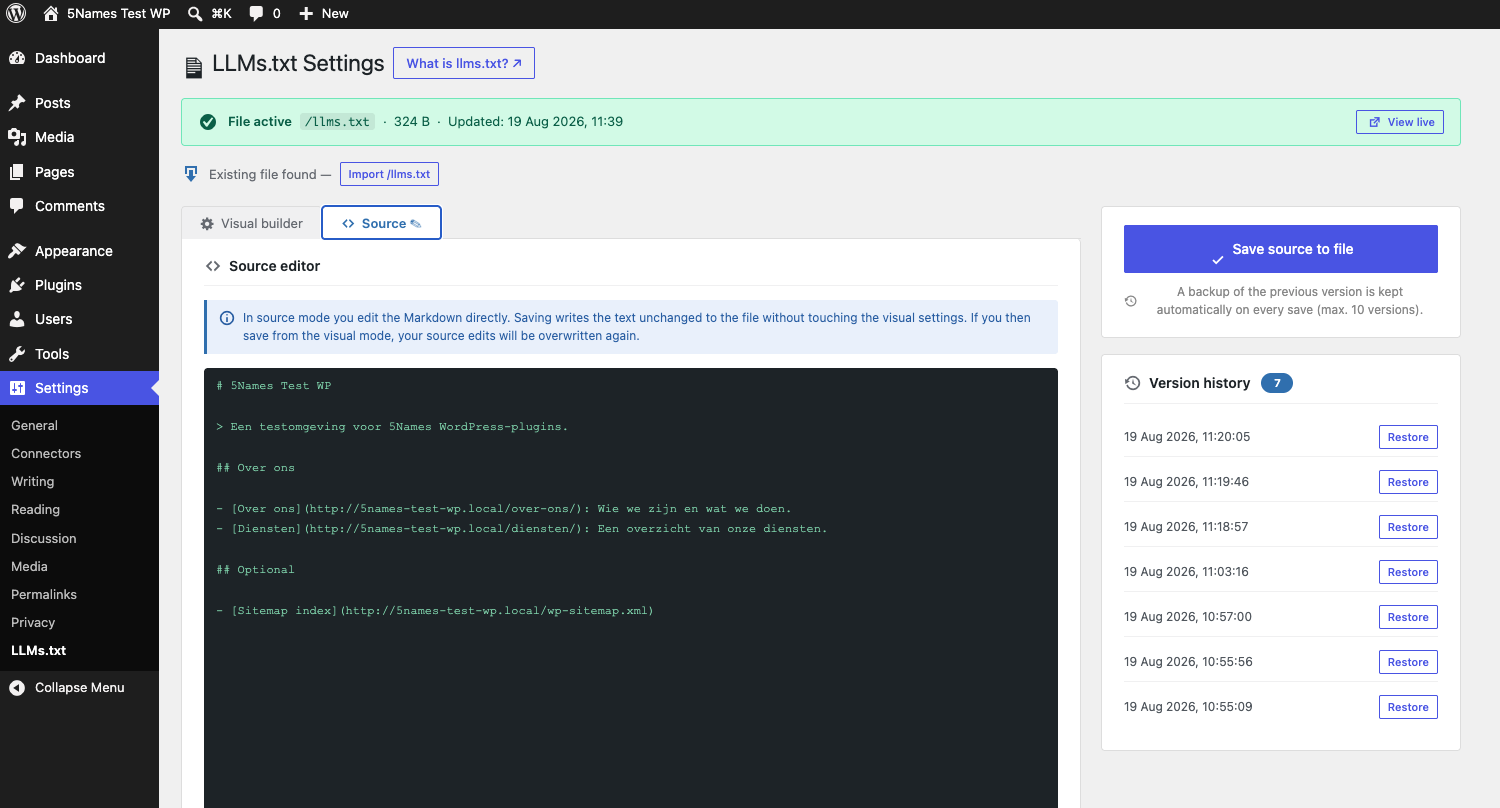
Prefer to edit the Markdown directly? The Source tab lets you edit the text directly and save it without touching the visual settings. Note: saving from visual mode overwrites manual source edits with the generated content again.
Automatic backups
Every save writes the previous version of llms.txt to a protected folder (wp-content/llms-backups/, with an .htaccess file that blocks direct access). The last 10 versions are kept; older ones are removed automatically. Version history lets you restore an earlier version with one click.
Sitemap detection
Enable the „Sitemap“ option and the plugin adds an ## Optional section with a link to your sitemap. It automatically detects whether Yoast SEO or RankMath is active (and uses /sitemap_index.xml in that case), otherwise it falls back to the built-in WordPress sitemap (/wp-sitemap.xml).
Webhook after saving
Optional: provide a URL that receives a GET request after every successful save. Handy for clearing a CDN cache (like a Cloudflare Purge URL) whenever llms.txt changes.
Screenshots
Installation
- Upload the
5names-llms-txt-managerfolder to/wp-content/plugins/. - Activate the plugin through the Plugins menu in WordPress.
- If a
/llms.txtfile already exists: click Import existing file. - Go to Settings LLMs.txt to configure the file.
FAQ
-
What exactly is llms.txt?
-
A proposed standard for a Markdown file at
/llms.txtthat gives AI language models a concise overview of your site. See llmstxt.org for the full specification. -
Do I need write access to the site root?
-
Yes, the plugin needs to be able to write to
ABSPATH(the WordPress root folder). If it can’t, the plugin shows a clear notice with the action to take (chmod 755on the folder). -
What happens to my llms.txt if I delete the plugin?
-
The file itself stays in place — the plugin doesn’t delete it on uninstall. Only the saved settings (
fivenames_llmtxt_settings) and any activation notice are cleaned up. Backups stored inwp-content/llms-backups/are also left in place. -
Does this work with custom post types?
-
Yes. Every public, non-built-in custom post type on your site appears as a separate checkbox under „Auto-generate“, with its posts included as a section in the file.
-
Does this plugin send any data to external services?
-
No. Everything runs locally on your own server. The only outbound request the plugin makes is the optional webhook you configure yourself (e.g. to purge a CDN cache) — nothing is sent anywhere unless you explicitly set that up.
-
Does this work with multisite?
-
The plugin activates per-site like any standard plugin; each site in a multisite network manages its own
llms.txtfile and settings independently.
Reviews
There are no reviews for this plugin.
Contributors & Developers
“5Names LLMs.txt Manager” is open source software. The following people have contributed to this plugin.
Contributors
“5Names LLMs.txt Manager” has been translated into 1 locale. Thank you to the translators for their contributions.
Translate “5Names LLMs.txt Manager” into your language.
Interested in development?
Browse the code, check out the SVN repository, or subscribe to the development log by RSS.
Changelog
1.0.0
- First release as a general-purpose 5Names plugin (decoupled from site-specific integrations).
- Import existing llms.txt (multi-line blockquotes, all sections and links).
- Activation notice when an existing file is found, with a direct import button.
- Webhook option after saving.
- Source editor tab (direct Markdown input).
- Sitemap detection (Yoast, RankMath, WP core).
- Permission check with a clear error message.