

Description
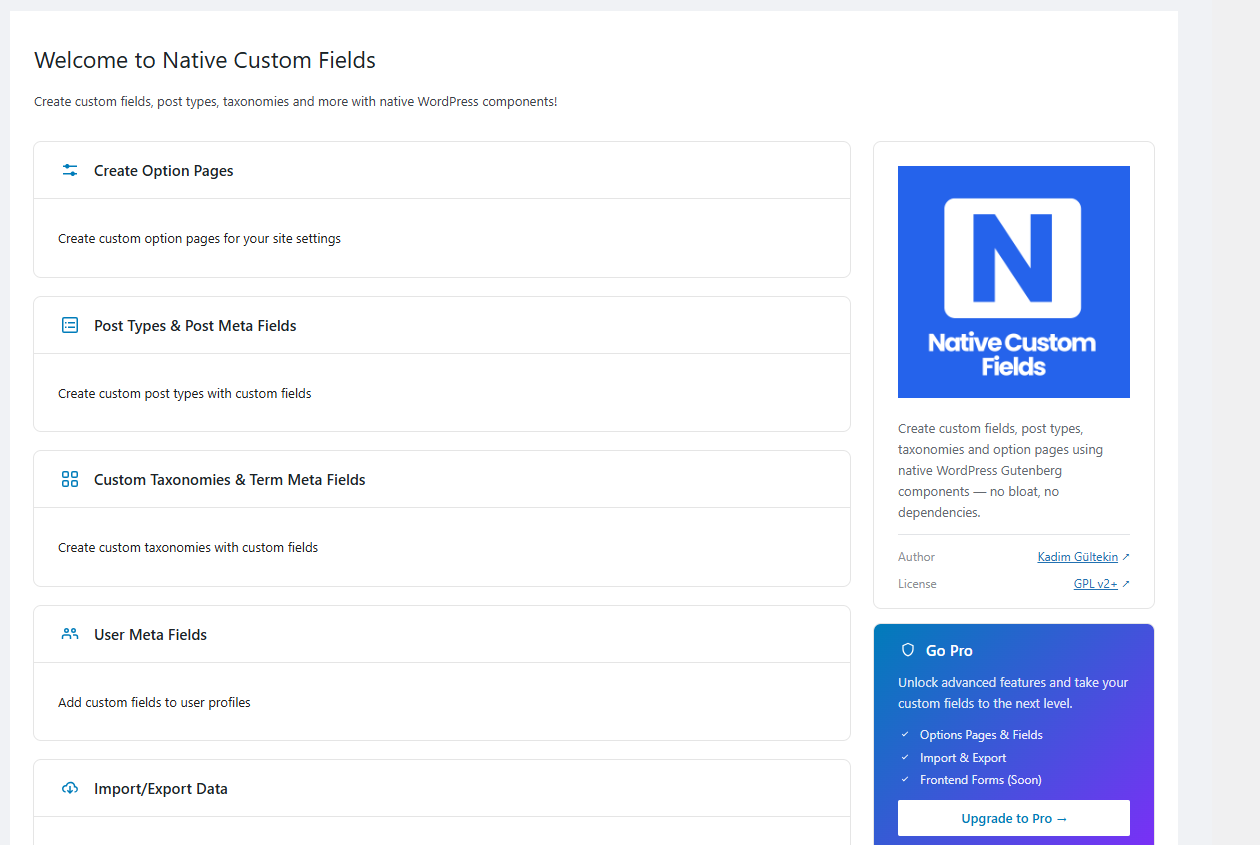
Native Custom Fields is a modern WordPress plugin for creating custom content types, meta fields, and options pages using WordPress’ own native component system.
Instead of shipping a proprietary UI framework or custom database structure, Native Custom Fields leverages WordPress core technologies such as:
- @wordpress/scripts
- @wordpress/components
- @wordpress/elements
- @wordpress/icons
- @wordpress/data
This ensures a seamless, future-proof experience that evolves together with WordPress core.
Why Native Custom Fields?
Most custom field plugins introduce their own UI systems, internal data storage layers, or hidden configuration post types.
Native Custom Fields follows a different philosophy:
• Uses WordPress native UI components
• Stores configuration in wp_options
• Stores data in postmeta, termmeta, and usermeta
• Does not create unnecessary database tables
• Does not register hidden configuration post types
• Follows WordPress coding standards
The result is a clean, lightweight, and maintainable solution.
Key Features
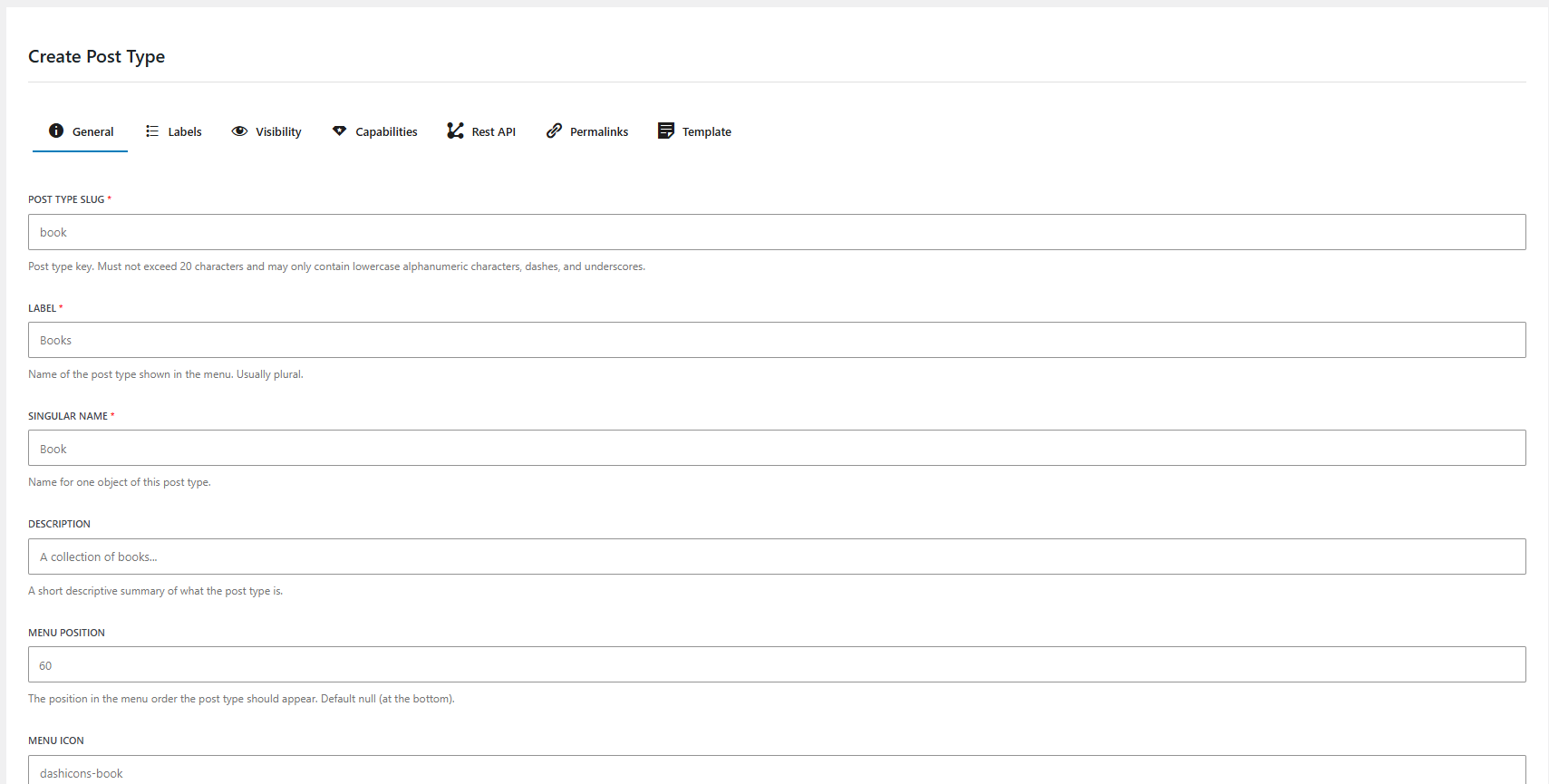
- Register Custom Post Types
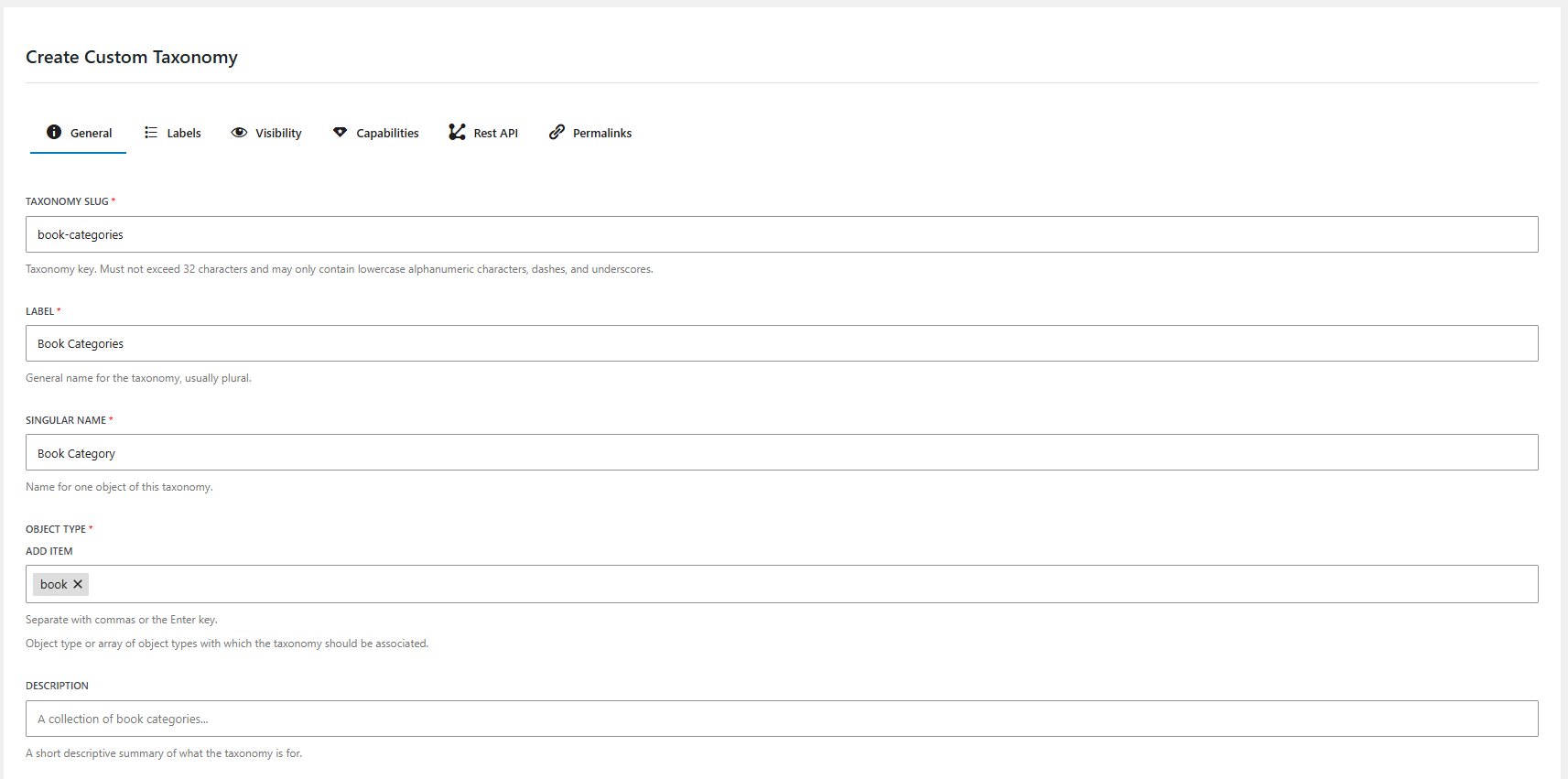
- Register Custom Taxonomies
- Import / Export via JSON or PHP
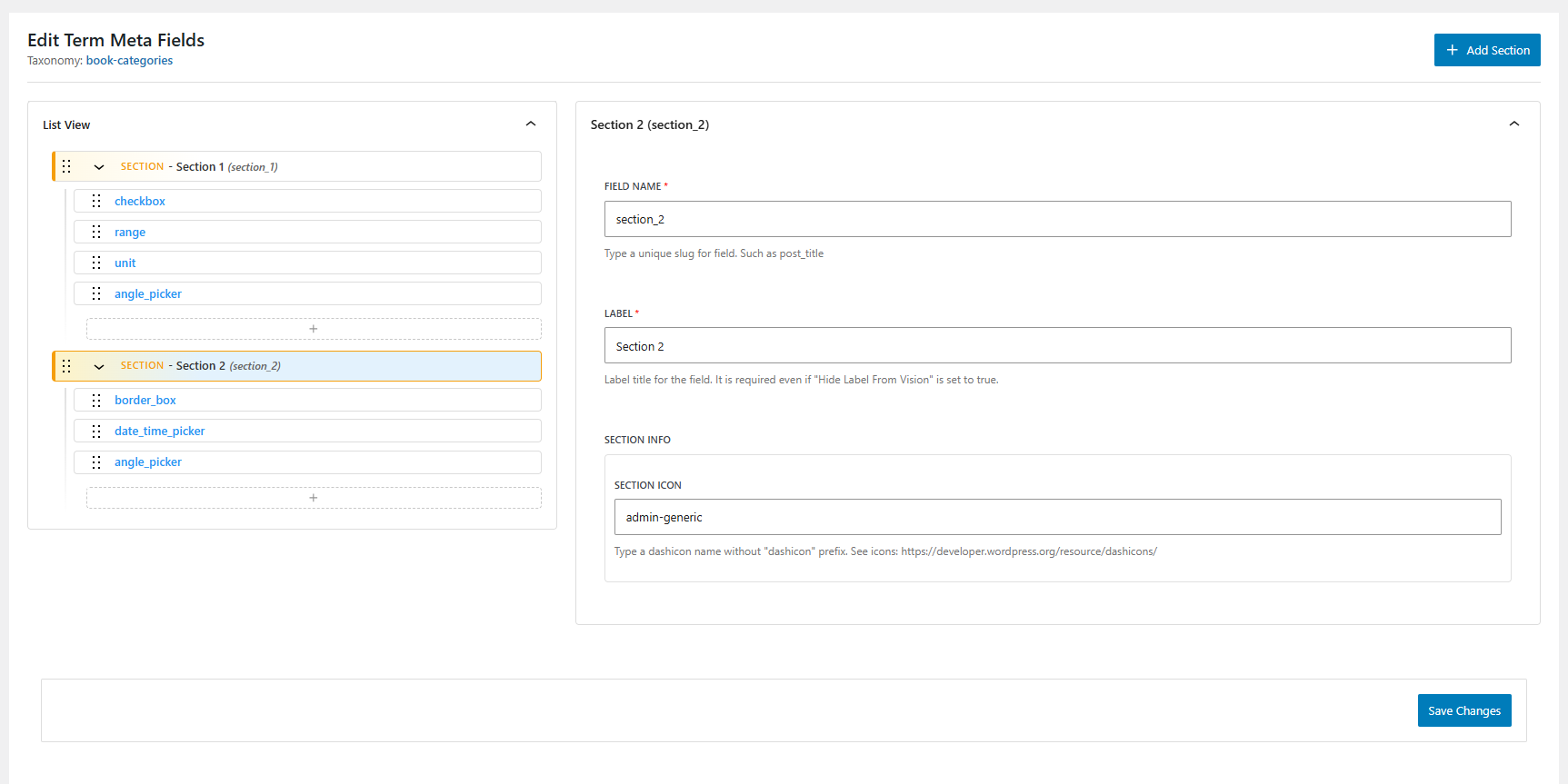
- Options Page & Fields Builder
- AI Integration with Abilities API & WordPress AI Client
Meta Fields
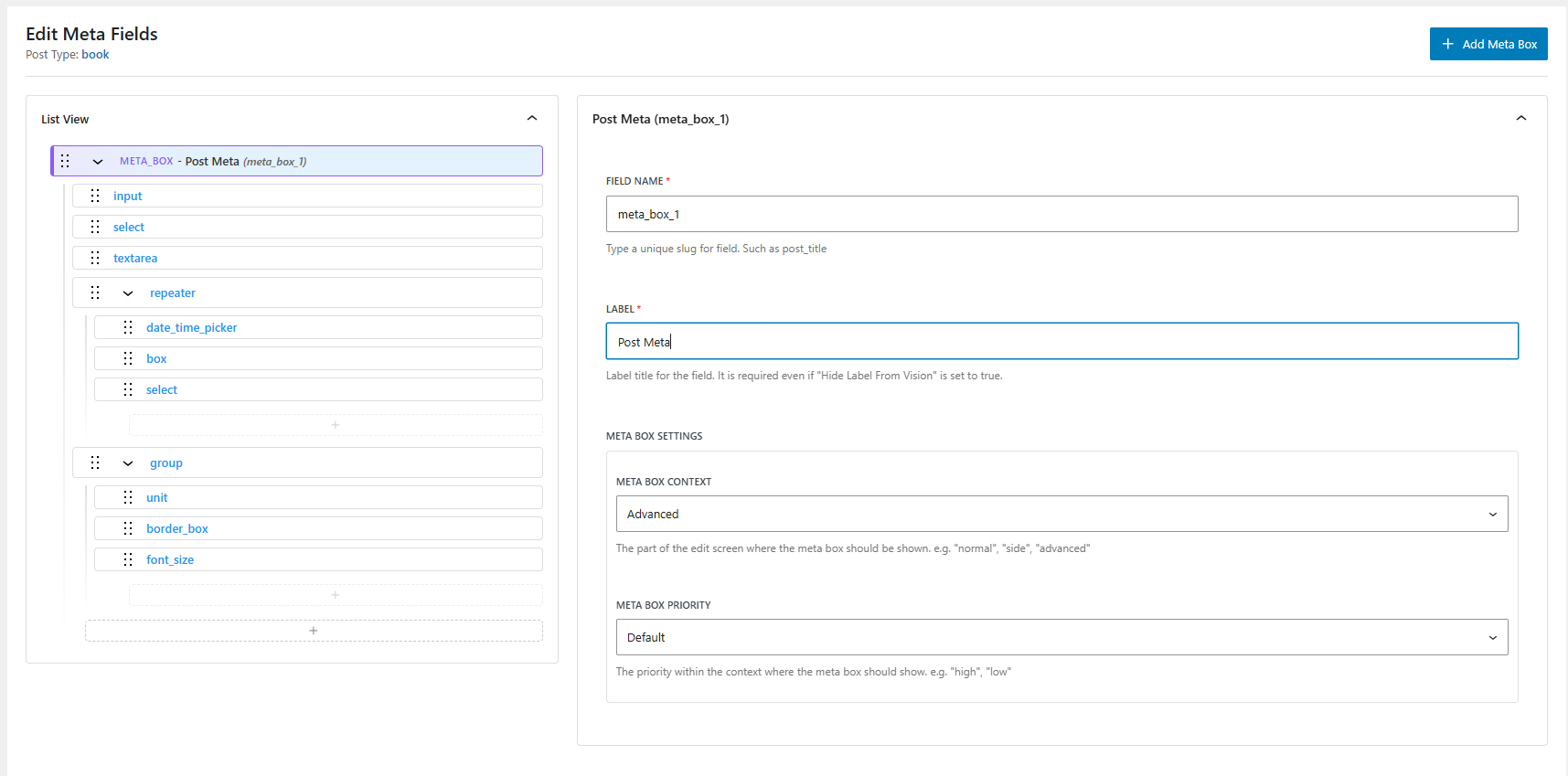
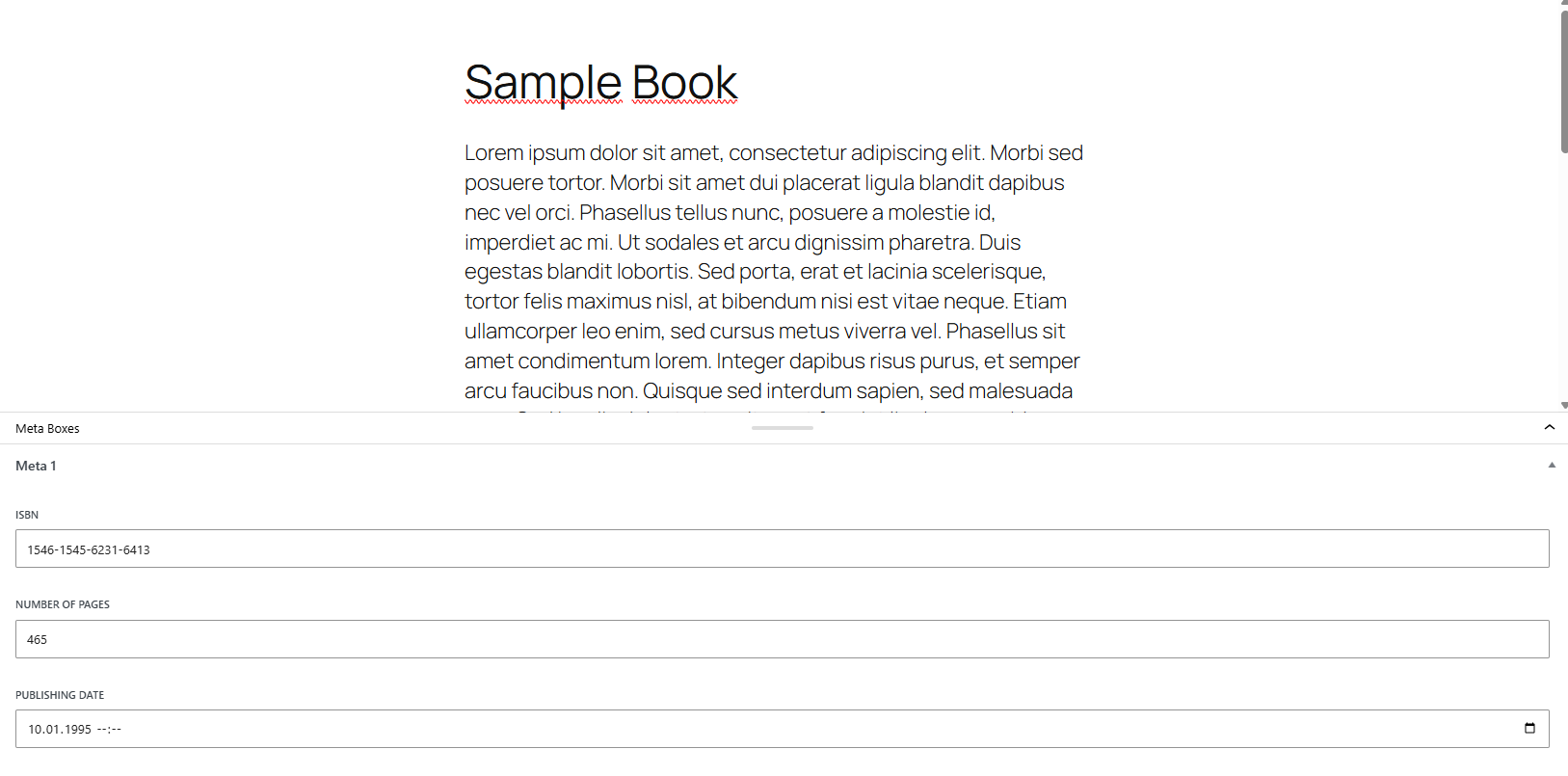
Create field groups and attach them to:
* Post Types
* Taxonomies
* User Profiles
* Options Pages
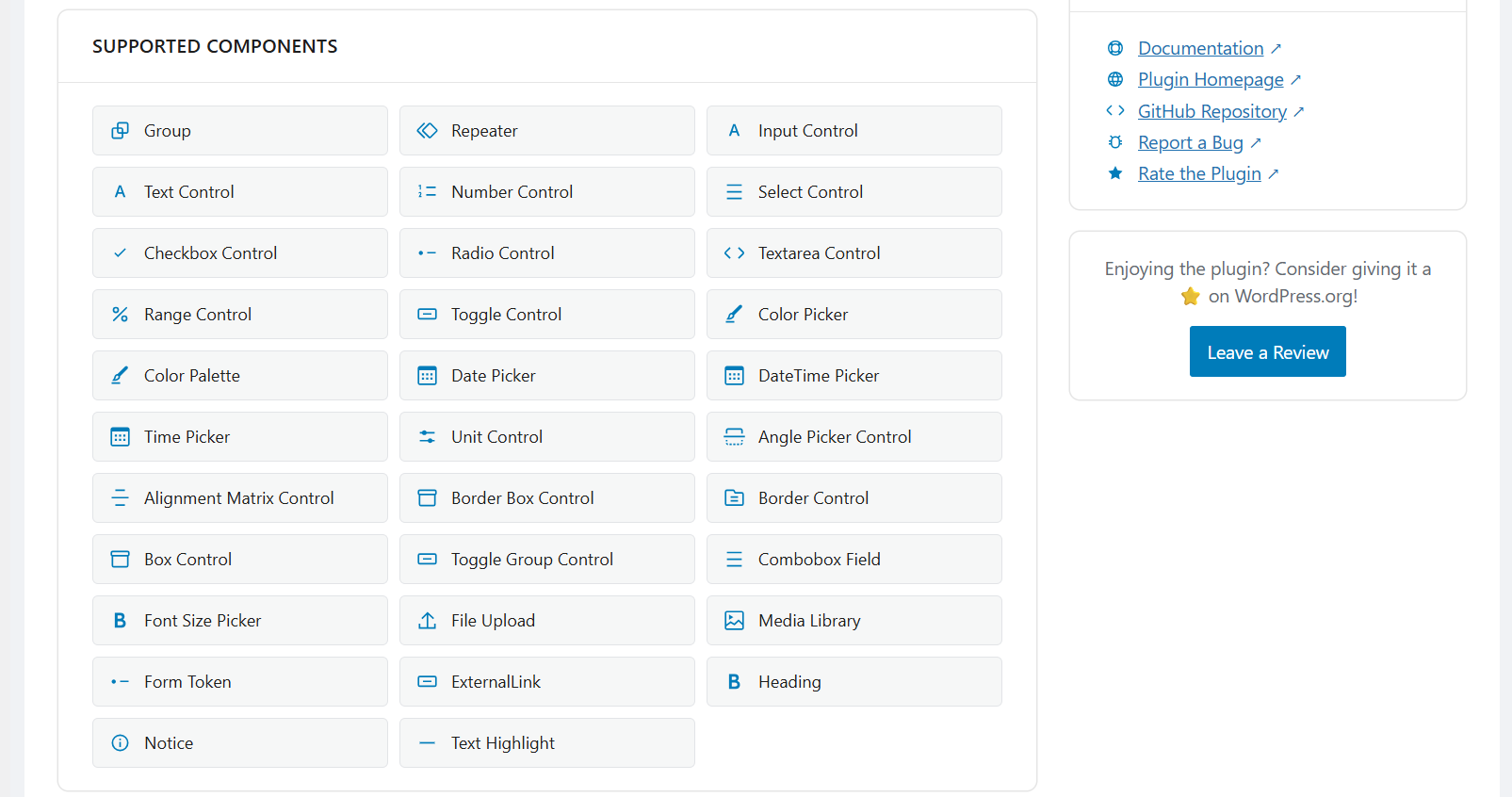
Supported Components
- Input Control
- Text Control
- Number Control
- Select Control
- Checkbox Control
- Radio Control
- Textarea Control
- Range Control
- Toggle Control
- Color Picker
- Color Palette
- Date Picker
- DateTime Picker
- Time Picker
- Unit Control
- Angle Picker Control
- Alignment Matrix Control
- Border Box Control
- Border Control
- Box Control
- Toggle Group Control
- Combobox Field
- Font Size Picker
- File Upload
- Media Library
- Form Token
- ExternalLink
- Heading
- Notice
- Text Highlight
Custom Components:
* Repeater
* Group
Developer-Friendly
- Built with PSR-4 autoloading
- Strict Types compatible
- Modern React-based admin UI
- Clean and extendable architecture
- Import / Export via JSON or PHP
Performance-Focused
- Minimum admin UI bloat
- Native WordPress components
- No redundant database tables
- Optimized for long-term maintainability
Credits
Built using official WordPress packages:
- @wordpress/scripts
- @wordpress/components
- @wordpress/elements
- @wordpress/icons
- @wordpress/data
Assets:
- All images located in the Admin/assets/images folder are self created and are licensed under CC0 1.0 Universal (CC0 1.0) Public Domain Dedication.
Composer Packages:
- PHP DI – Copyright (c) Matthieu Napoli
Source Code
It is available on GitHub:
* GitHub: https://github.com/Arkenon/native-custom-fields
Developers
If you want to contribute to the plugin:
1) Download the source code and run npm install to install the development dependencies.
2) To install composer dependencies, run composer install.
3) Run npm start to start the development server.
4) To build the plugin, run npm run build.
Screenshots
Installation
- Upload the plugin files to
/wp-content/plugins/native-custom-fields - Activate the plugin through the ‘Plugins’ screen in WordPress
- Start creating Custom Content Types and Field Groups from the admin panel
FAQ
-
Who is this plugin for?
-
Native Custom Fields is built primarily for WordPress developers, agencies, and users who want full control over structured data while staying aligned with WordPress core standards.
-
How is this different from other custom field plugins?
-
Native Custom Fields uses WordPress’ official component system instead of a custom-built admin UI framework.
It follows WordPress data architecture and avoids unnecessary database layers. -
Does it create custom database tables?
-
No. Configuration is stored in wp_options, and data is stored in standard WordPress meta tables.
-
Is it compatible with the Block Editor?
-
Yes. The plugin is built around the Block Editor architecture and uses native WordPress components.
-
Do the free version have Repeater and Group fields?
-
Yes. The free version has Repeater and Group fields. These are custom components built using WordPress native components recursively or grouped.
Reviews
There are no reviews for this plugin.
Contributors & Developers
“Native Custom Fields – Custom Content Types and Meta Fields” is open source software. The following people have contributed to this plugin.
Contributors
Translate “Native Custom Fields – Custom Content Types and Meta Fields” into your language.
Interested in development?
Browse the code, check out the SVN repository, or subscribe to the development log by RSS.
Changelog
1.4.0
- Added: The
comboboxfield now searches server side when its options come from a dynamic token. What is typed in the field is sent to the REST API as thesearchargument, so collections larger than a single REST response stay fully reachable. Previously the typed text only filtered the records that had already been fetched. - Added: The record matching a stored value is now fetched on its own, so a saved selection keeps its label even when it is not part of the current option list or search results.
- Fixed: A
per_pageabove 100, or-1, made the whole request fail withrest_invalid_paramand the field rendered no options at all. Such values are now capped at the REST maximum of 100, andper_page=allis accepted as a spelling of the same thing. - Fixed:
{{menus}}raised a TypeError on any navigation menu without a title. - Fixed: Combining several dynamic tokens could list the same record more than once.
- Removed: The
{{roles}}token from the options help text and the documentation. It was never implemented and always resolved to an empty list. - Updated: The help text of the options field, which now documents the
{{posts?type=slug}}pattern for querying a custom post type. That pattern was supported but undocumented, so there was no way to populate a field from a custom post type without reading the source. The text is also grouped into sections and rendered with its line breaks intact. - Updated: Corrected two wrong parameter examples in the options help text: the users endpoint takes
roles(plural, role slugs) rather thanrole, andauthortakes a user ID rather than a login name. - Added: A „Dynamic Options“ documentation page covering the available tokens, their parameters, the REST item limits, and server-side search. Select, radio, combobox, toggle group and token field documentation now links to it.
- Updated: Token field documentation now states that
suggestionsis a literal list and does not support the{{token}}syntax.
1.3.9
- Added: Sub-fields for
repeaterandgroupfields can now be defined through the field abilities (save-post-meta-fields,save-term-meta-fields,save-user-meta-fields,save-options-page-fields) using the newfieldsproperty on a field definition. Up to two levels of nesting are supported. Previously only the container field could be created and its contents had to be added in the field builder. - Updated: Aligned the editor controls with the WordPress 7.1 component changes, so no deprecation notices are logged on 7.1.
- Removed: The „Size“ option from the border, border box and font size field settings. The underlying
sizeprop is deprecated and has no effect as of WordPress 7.1. A value stored by an earlier version is now ignored instead of being passed to the control. - Removed: The „Large“ (
__unstable-large) choice from the input field „Size“ setting. The remaining choices are default, small and compact. - Removed: The
__next40pxDefaultSizeprop from every control. The 40px default height rollout is complete in WordPress 7.1 and the prop no longer has any effect. - Updated: Border, border box, font size and input control documentation to match the available settings.
- Added: Missing „Requires at least“ header in readme.txt and the plugin file. The plugin already assumed WordPress 7.0 as its minimum, but neither header declared it.
1.3.8
- Added: Missing „Tested up to: 7.1“ tag in readme.txt
1.3.7
- Bumped WordPress tested-up-to version 7.1
1.3.6
Fixed: Repeater, group, file and multiple select fields were registered with the wrong meta type, so register_meta raised a „you must specify the schema for each array item“ notice and dropped the meta from the REST API.
Fixed: The native_custom_fields_register_post_meta_type and native_custom_fields_register_term_meta_type filters received the meta key instead of the meta type as their filtered value.
Added: Array and object meta are now registered with a REST schema generated from the field configuration.
Updated: Hooks documentation now describes how the meta type is derived and when a custom schema is required.
1.3.5
Fixed: Repeater default values were not rendered on options pages until the section was reset.
Fixed: „Reset All“ on an options page cleared repeater defaults instead of restoring them.
Fixed: Array defaults were flattened to an empty string for fields registered through the Abilities API.
Updated: Repeater control documentation now covers the default parameter.
1.3.4
Fixed: Post type archive did not work when „Has Archive“ was enabled without a custom archive slug.
Fixed: Query var fell back incorrectly when no custom query var slug was provided.
Fixed: Endpoint mask normalization broke post types registered with rewrite disabled.
Updated: Post type template field now documents the correct block array format.
1.3.3
Fixed: Missing required field controls in Post Meta, Term Meta, User Meta and TreView forms.
1.3.2
Added: ncf_sanitize_field_value hook to override field sanitization.
1.3.1
Fixed: Sanitization issue for multine line text field.
1.2.8
- Fix: Boot method for external usage in another plugins.
1.2.7
- Add: Singleton pattern intp DI Container
- Fix: Boot method for external usage in another plugins.
- Move: Hooks in the services into controllers
1.2.6
- Add: Static boot method for external usage in another plugins.
- Test: Added Composer package capability.
- Test: Added GitHub Actions workflow for testing.
1.2.3
- Add: Into Packagist repository
1.2.0
- Add: Parent Slug parameter into options page
1.0.9
- Add: Annotations parameter into abilities
1.0.6
- Fixed: Auto generate empty labels for post types and taxonomies in Abilities.
1.0.5
- Moved: Pro features into free plugin: Import&Export Module & Options Page Builder & AI Integration.
1.0.4
- Added: Auto generate empty labels for post types.
- Added: Auto generate empty labels for taxonomies.
1.0.3
- Tested with WordPress 7.0
1.0.2
- Updated: Readme.txt
- Updated: Dashboard screen
1.0.1
- Updated: Add PHP-DI Version to 7.1.1
- Updated: Rest enpoint permissions in PostMetaController and OptionsController
1.0.0
- Initial public release